Does the iPhone 80% Charge Limit Really Save Your Battery? Real Data After 12 Months
iPhone 15 and later can stop charging at 80%. Does it really slow battery wear? Here is what real-world data shows, how to turn it on, and who should use it.
Since iPhone 15, Apple lets you limit charging to 80% (and on recent iOS versions, other levels such as 85%, 90% or 95%). The idea: lithium-ion batteries wear faster when they stay at 100%. But does it make a real difference?
Real-world data
MacRumors' Juli Clover has used the 80% limit for three years. After 12 months, her iPhone 17 Pro Max showed 97% maximum capacity with 277 charge cycles. Without a limit, many heavily used iPhones lose noticeably more capacity in the first year, although the result always depends on heat, usage and charging habits.
How to turn it on
- Open Settings > Battery > Charging.
- Choose 80% Limit or another level.
On older iPhones, the option is Optimized Battery Charging (Settings > Battery > Battery Health & Charging), which waits at 80% overnight and finishes before you wake up.
Who should use it
| Profile | Advice |
|---|---|
| You end the day with 30% or more | Use 80%: you lose nothing. |
| You keep your iPhone 3 years or more | Use 80% or 90%. |
| Long days, frequent power cuts | Keep 100% or 95% when you need autonomy, use the limit at home. |
| You change iPhone every year | Not very useful. |
The real enemy: heat
Heat damages batteries more than charging to 100%. In hot climates, avoid charging in direct sun, in the car, or under a pillow, and remove thick cases while charging. Read iPhone overheating.
Check your battery health and cycles
Settings > Battery > Battery Health shows maximum capacity. On iPhone 15 and later, the cycle count and manufacture date appear in Settings > General > About. Guide: how to check battery cycle count.
Other battery tips
- Use a quality charger: why certified accessories matter.
- Battery drain after an update is often temporary: battery drain fixes.
- More: 12 battery fixes.
Source: MacRumors: Top Stories, October 10.
You Might Also Like

Apr 23, 2026
How to Install an IPSW File on Windows and Mac (Finder and Apple Devices App)
Install an IPSW file with Finder on Mac or the Apple Devices app on Windows. Choose Update to keep your data or Restore for a clean install.
Read more →
Oct 12, 2026
How to Copy Text From a Photo on iPhone (Live Text, Translate and More)
Live Text lets you select, copy, translate or call text that appears in a photo, a screenshot or the camera view. Here is how to use it and fix it when it does not appear.
Read more →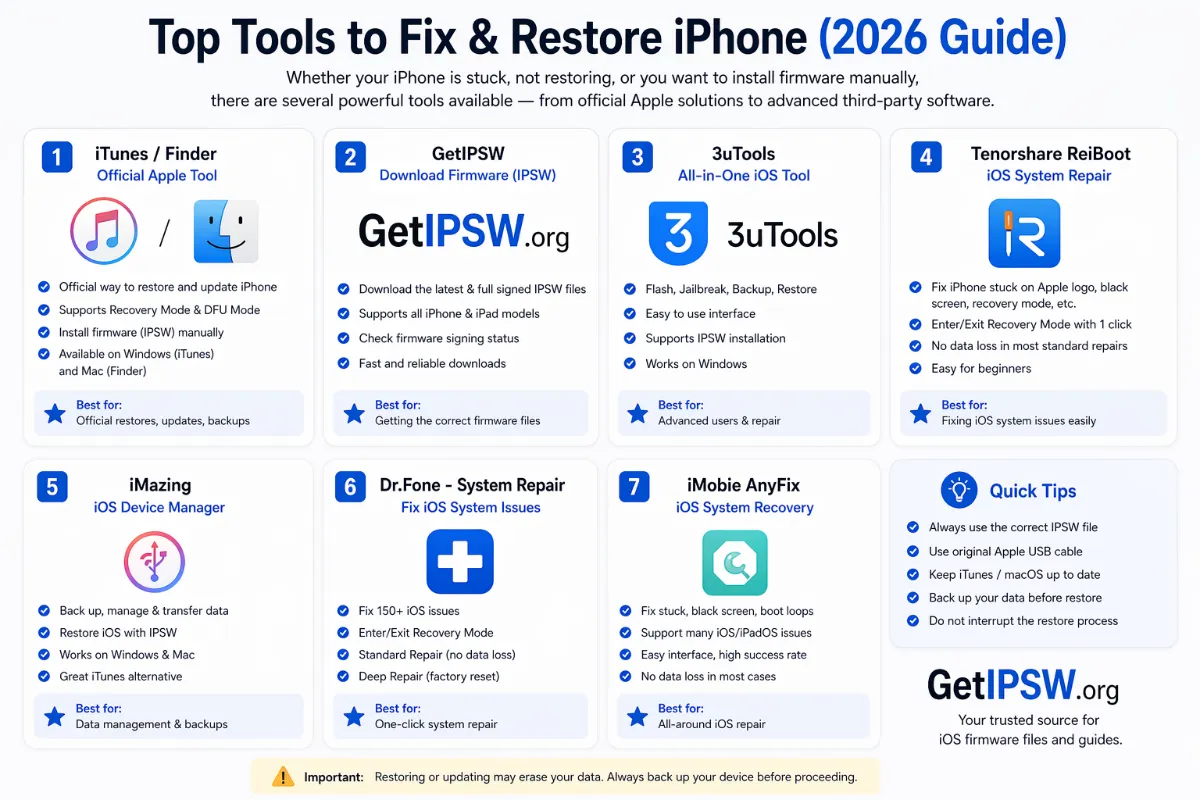
Apr 23, 2026
Best Tools to Restore iPhone Firmware in 2026 (Free and Official First)
You do not need paid software to restore an iPhone. Here are the official free tools that do the job, when advanced tools make sense, and which promises to ignore.
Read more →