iPhone 18 Pro Max Losing Cellular Service on AT&T: What We Know and What to Do
Some US iPhone 18 Pro Max owners on AT&T lost cellular service with no fix. Apple says affected units must be replaced. Here is what is known, who is affected and what to do.
In October 2026, reports appeared of some US iPhone 18 Pro Max owners on AT&T who suddenly lost cellular service, with no way to restore it. Here is a summary of what is known and practical steps.
What happened
- Affected iPhones show no cellular service, even after restarts and SIM checks.
- AT&T sent texts asking customers to install iOS 27.0.1 (released September 28). According to reports, the update does not fix phones already affected, but may prevent the problem on others.
- Apple says affected devices must be replaced. The cause has not been disclosed.
- US iPhone 18 Pro Max models are reportedly the only iPhone 18 Pro models still using a Qualcomm modem instead of Apple's C2; it is not known whether this is related.
Am I affected?
The reports concern the US model of the iPhone 18 Pro Max (identifier variant mentioned on our device page: iPhone19,3; other regions use iPhone19,7) used on AT&T. If you are in another country or on another carrier, the classic causes of "No Service" are much more likely: No Service, SOS or SIM Not Supported fixes.
What to do now
- Update to iOS 27.0.1 or later if your iPhone still works: Settings > General > Software Update. Firmware: iOS 27.0.1 IPSW.
- If you have already lost service: try Airplane Mode, a restart, and the usual checks to rule out a simple cause.
- If service does not return, back up (over Wi-Fi to iCloud or to a computer) and contact Apple at getsupport.apple.com for a replacement.
- Keep your receipt and note the IMEI (Settings > General > About, or dial *#06#).
Bought an iPhone 18 Pro Max imported from the US?
Many US iPhones are resold abroad. If yours comes from the US and loses service, Apple's warranty for replacements may require going through Apple in the country of purchase or an authorized service provider. Check coverage at checkcoverage.apple.com. Before buying an imported iPhone, read regional iPhone differences.
Compare with iPhone 17 Pro
Thinking of upgrading? iPhone 18 Pro vs iPhone 17 Pro.
Source: MacRumors: Top Stories, October 10.
You Might Also Like
Oct 10, 2026
How to Read Apple Build Numbers (24A446, 24C5023e…) Like a Pro
Every iOS, iPadOS and macOS release has a build number such as 24A446. Here is what each part means, how to spot a beta or RC, and why it matters when you download an IPSW.
Read more →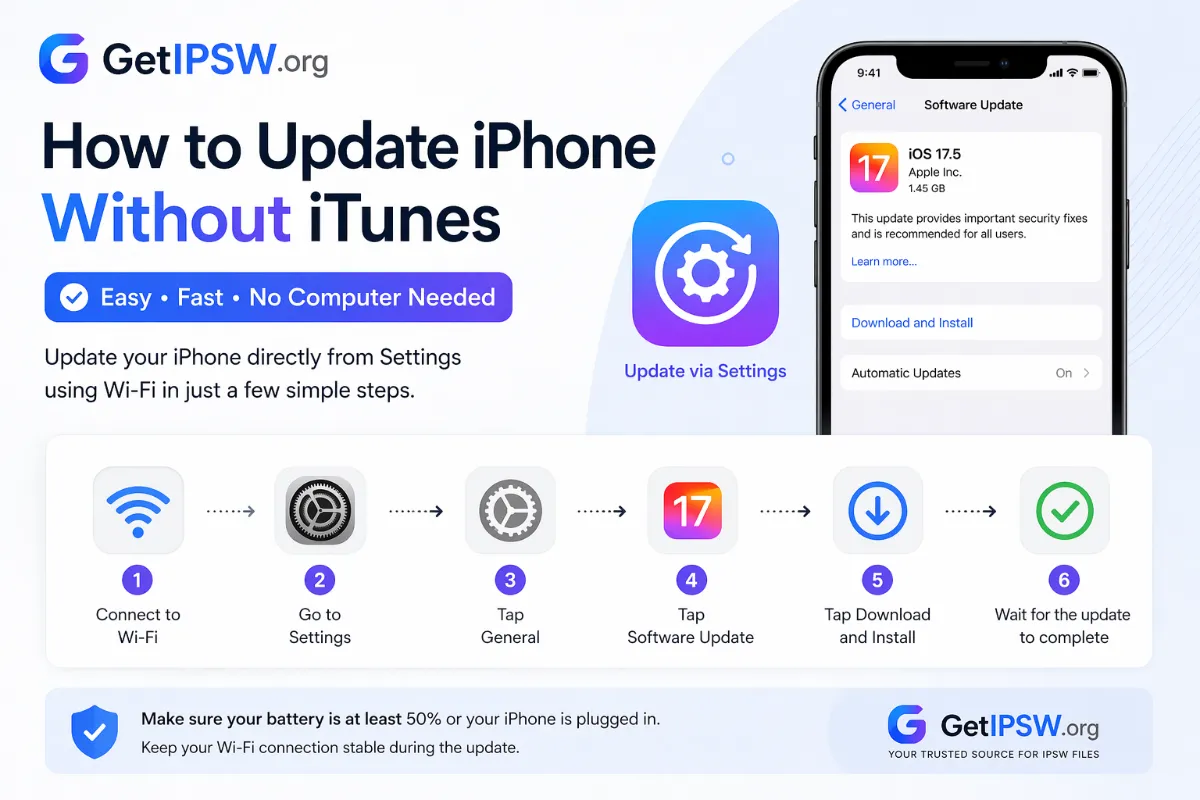
Apr 23, 2026
How to Update iPhone Without iTunes (Wi-Fi, Cellular or Finder)
You no longer need iTunes to update an iPhone. Update over Wi-Fi or cellular data from Settings, or use Finder or the Apple Devices app when an update fails.
Read more →
Oct 10, 2026
iOS 27.2 Beta IPSW Download: How to Install It on iPhone (and Go Back)
iOS 27.2 is in beta and expected later in October 2026. Here is how to download the official iOS 27.2 beta IPSW, install it safely, what to expect, and how to return to iOS 27 if something goes wrong.
Read more →