iPhone Overheating? Causes and Easy Fixes You Need to Know (2026 Guide)
If your iPhone gets unusually hot, it can affect performance, battery life, and long-term device health. While occasional warmth is normal, frequent overheating is a sign that something isn’t right.
In this guide, you’ll learn the main causes of iPhone overheating and the most effective ways to fix it.
Why Is My iPhone Overheating?


Your iPhone may overheat due to:
Intensive apps (gaming, video editing)
High screen brightness
Hot environment or direct sunlight
Charging issues or faulty cables
Software bugs or background processes
Identifying the cause is the first step to fixing the issue.
1. Close Background Apps
Apps running in the background can increase CPU usage.
What to do:
Open the App Switcher
Swipe up to close unused apps
2. Avoid Using iPhone While Charging
Using your iPhone during charging generates extra heat.
👉 Let your device charge without heavy usage.
3. Reduce Screen Brightness
High brightness levels increase heat.
Lower brightness manually
Enable Auto-Brightness
4. Remove Case While Charging


Some cases trap heat.
👉 Remove your case while charging or during heavy use.
5. Update iOS
Software bugs can cause overheating.
Steps:
Go to Settings → General → Software Update
Install the latest version
6. Turn Off Background App Refresh
Background activity increases CPU load.
Go to Settings → General → Background App Refresh
Turn it off or limit it
7. Disable Location Services (If Not Needed)
Constant GPS usage can heat your device.
Go to Settings → Privacy & Security → Location Services
Set apps to “While Using”
8. Avoid Direct Sunlight


Heat from the environment can raise your iPhone’s temperature quickly.
👉 Keep your device in a cool, shaded place.
9. Restart Your iPhone
Restarting clears temporary processes that may cause overheating.
👉 Restart your device regularly.
10. Reset All Settings (If Needed)
If overheating persists:
Go to Settings → General → Transfer or Reset iPhone
Tap Reset All Settings
👉 This resets system settings without deleting data.
When Overheating Becomes Serious
You should take action if:
iPhone shows temperature warning repeatedly
Device shuts down automatically
Performance drops significantly
👉 This may indicate deeper software or hardware issues.
Tips to Prevent Overheating
Keep iOS updated
Avoid heavy apps for long periods
Use certified charging accessories
Monitor battery health
Frequently Asked Questions
Is it normal for iPhone to get warm?
Yes, during charging or heavy use—but not excessively hot.
Can overheating damage my iPhone?
Yes, long-term overheating can affect battery and performance.
Does fast charging cause overheating?
It can generate more heat, especially in warm environments.
Final Thoughts
iPhone overheating is a common issue, but it’s usually easy to fix. By adjusting your settings, avoiding heat sources, and managing app usage, you can keep your device running smoothly.
If overheating continues, consider checking battery health or contacting support.
Explore more iPhone fixes and performance tips on GetIPSW.
You Might Also Like
Apr 22, 2026
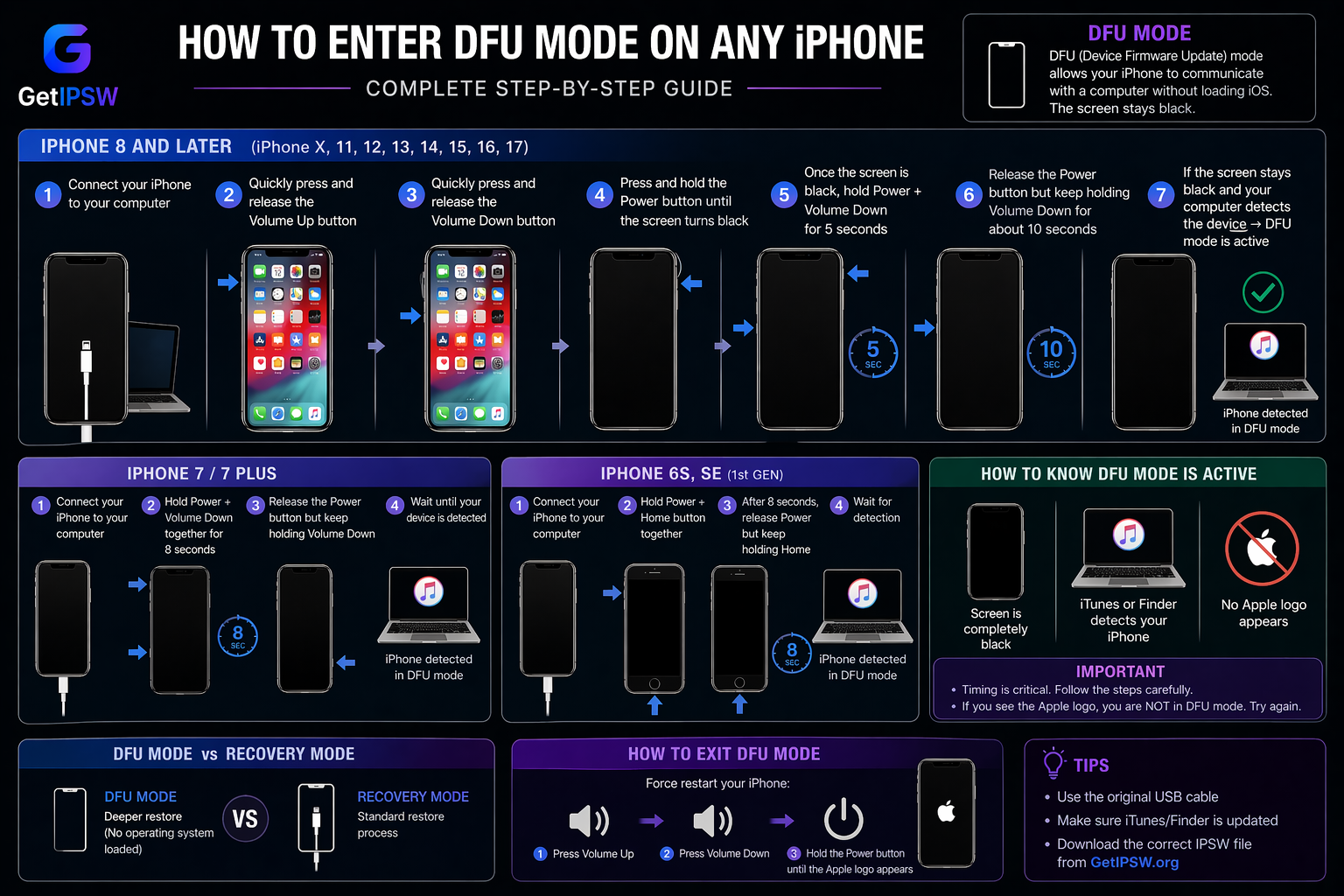
How to Enter DFU Mode on Any iPhone
Looking to enter DFU mode on your iPhone? You’re in the right place
Read more →
Apr 23, 2026
7 Best 4uKey Alternatives for iOS Unlocking in 2026
Getting locked out of your iPhone can feel like hitting a wall. Whether you forgot your passcode, are dealing with a disabled device, or facing restrictions like Screen Time or MDM, tools like 4uKey are often suggested.
Read more →
Apr 23, 2026
Best Free iPhone Unlocker: Safe & Tested Software (No Hype Guide 2026)
Getting locked out of your iPhone can be stressful. Whether it’s a forgotten passcode, a disabled device, or restrictions like Screen Time or MDM, many users look for a free iPhone unlocker to regain access quickly.
Read more →