iOS 27 Compatible iPhones: Full List, Unsupported Models and What to Do
Does your iPhone run iOS 27? Here is the full list of compatible models, the ones left on older versions, and how to check the maximum iOS your iPhone can install.
iOS 27 was released on September 14, 2026. Good news: it keeps support for every iPhone that runs iOS 26, from iPhone 11 and iPhone SE (2nd generation) to the new iPhone 18 Pro and iPhone Duo. Here is the list, with direct links to the firmware of each model.
iPhones compatible with iOS 27
- iPhone 18 Pro · iPhone 18 Pro Max
- iPhone 17 · iPhone 17 Pro · iPhone 17 Pro Max · iPhone Air · iPhone 17e
- iPhone 16 · iPhone 16 Plus · iPhone 16 Pro · iPhone 16 Pro Max · iPhone 16e
- iPhone 15 · iPhone 15 Plus · iPhone 15 Pro · iPhone 15 Pro Max
- iPhone 14 · iPhone 14 Plus · iPhone 14 Pro · iPhone 14 Pro Max
- iPhone 13 mini · iPhone 13 · iPhone 13 Pro · iPhone 13 Pro Max
- iPhone 12 mini · iPhone 12 · iPhone 12 Pro · iPhone 12 Pro Max
- iPhone 11 · iPhone 11 Pro · iPhone 11 Pro Max
- iPhone SE (2nd gen) · iPhone SE (3rd gen)
Another model? Browse all iPhone firmware or use the Identifier Lookup tool.
The new iPhone Duo also runs iOS 27, with a specific version (iOS 27.1) preinstalled at launch: iPhone Duo details.
iPhones that do not get iOS 27
- iPhone XR, XS and XS Max: they stopped at iOS 18 (iOS 26 already dropped them), which still receives security updates for some time.
- iPhone X, 8 and 8 Plus: limited to iOS 16.
Firmware for these models: iOS 18 IPSW download and all iPhone firmware.
Features not available on every compatible iPhone
- Apple Intelligence and the new Siri require recent iPhones (iPhone 15 Pro and later). See Siri AI requirements.
- Some camera and display features depend on the hardware of each model.
How to check the maximum iOS for your iPhone
- Find your model in Settings > General > About.
- Use our Max OS Version tool: it shows the latest version your model can install and the versions Apple still signs.
Should you update now?
For most people, yes, especially for security fixes. If you rely on a specific app at work, check that it supports iOS 27 first. Compare options: iOS 26.7.1 or iOS 27?
Update methods
- Over the air: Settings > General > Software Update.
- With a computer and an IPSW file: install an IPSW on Windows or Mac.
- Latest version: iOS 27.0.1 IPSW. Next: iOS 27.2 beta.
Source: iOS 27 (Wikipedia).
You Might Also Like
Apr 23, 2026
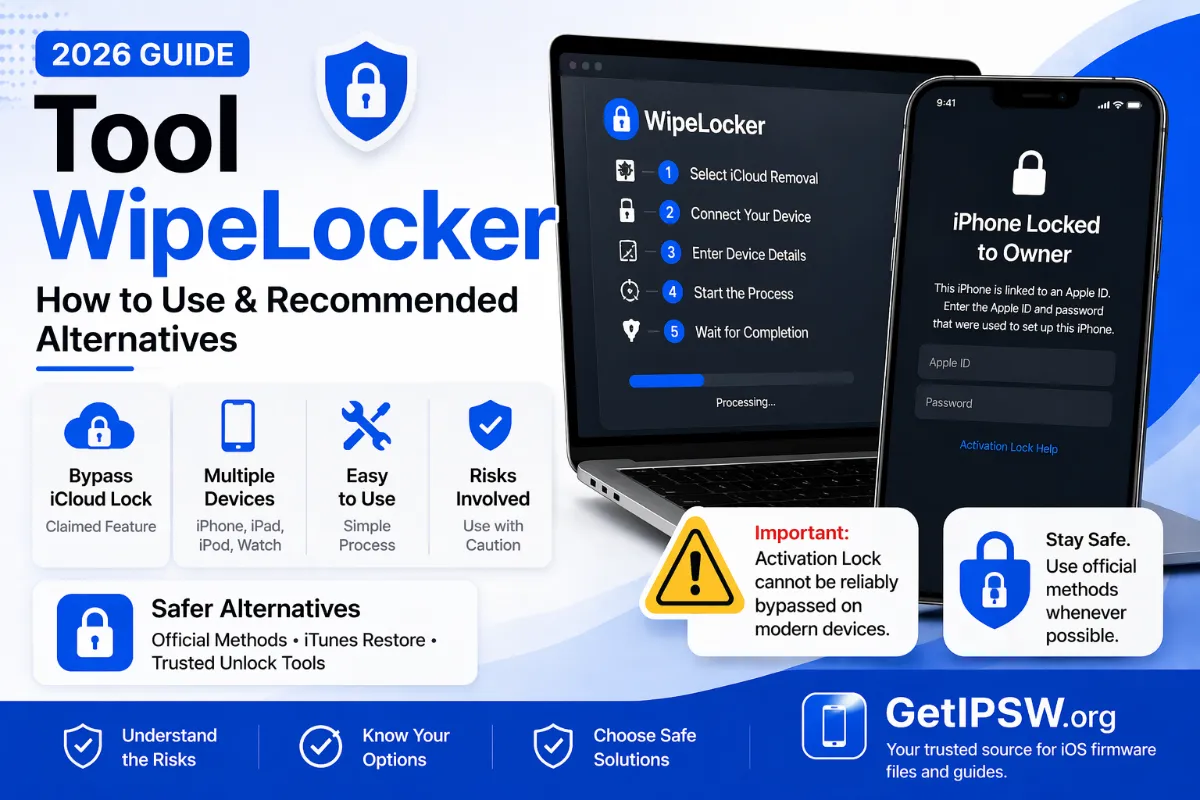
WipeLocker and Similar Unlock Tools: Risks and Safe Official Alternatives
Tools like WipeLocker are advertised for removing iPhone screen locks. Before installing one, understand what these programs really do and use Apple's free methods instead.
Read more →
Oct 10, 2026
iPhone Models From China, Hong Kong, Singapore and Japan: Differences Before You Buy
iPhones sold in China, Hong Kong, Singapore, Japan and the US are not exactly the same: SIM tray, eSIM, camera shutter sound, Apple Intelligence and region codes. Here is what changes.
Read more →
Oct 5, 2026
iPhone Says "No Service", "SOS Only" or "SIM Not Supported": How to Fix It
No bars, SOS in the status bar or a SIM that is refused: these are some of the most common iPhone problems. Here is how to tell a network issue from a carrier lock or a hardware fault.
Read more →