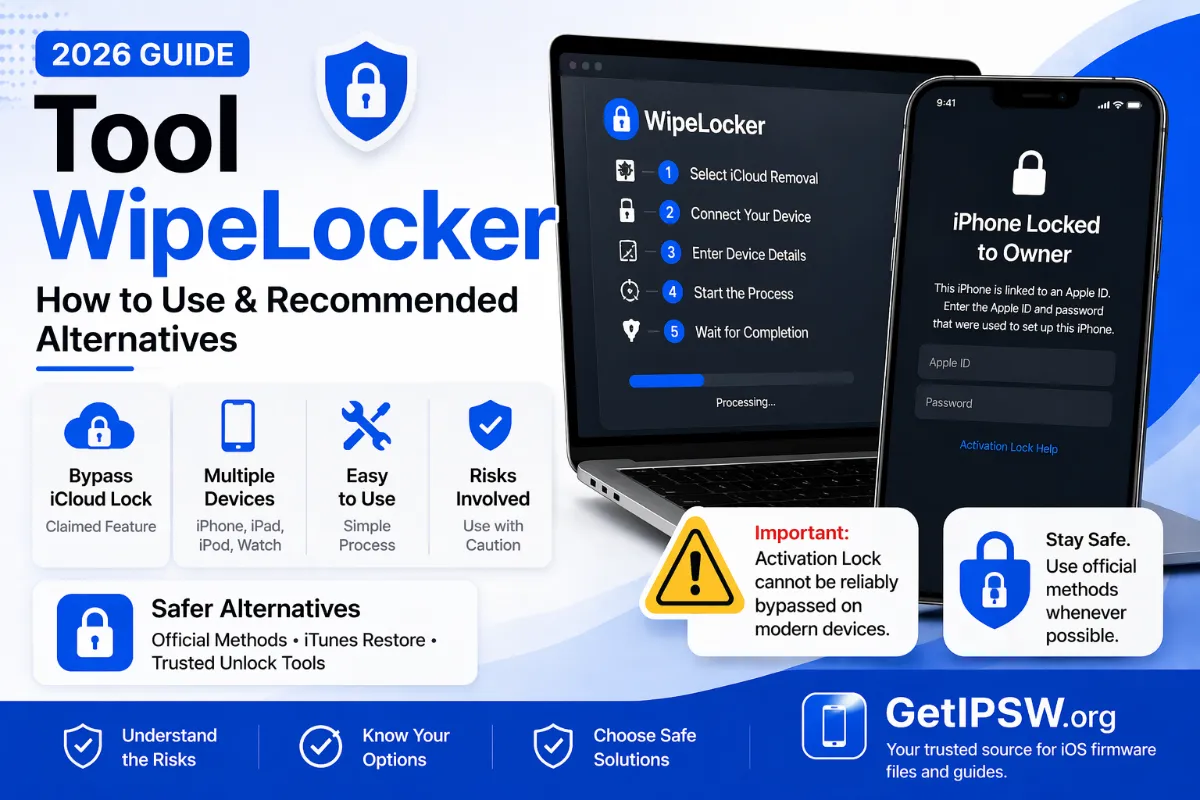
WipeLocker and Similar Unlock Tools: Risks and Safe Official Alternatives
Tools like WipeLocker are advertised for removing iPhone screen locks. Before installing one, understand what these programs really do and use Apple's free methods instead.
WipeLocker is one of many third-party programs advertised to remove iPhone screen locks. Before downloading this kind of software, it helps to know what it can really do, and what free alternatives Apple offers.
What screen-unlock tools actually do
When you forget an iPhone passcode, the only way to remove it is to erase the iPhone. Unlock programs automate this: they put the iPhone in recovery mode and restore it. Finder on Mac and the Apple Devices app on Windows do exactly the same thing for free.
The risks
- Malware: unlock tools are often distributed through unofficial download sites and "cracked" versions that contain malware.
- Your data: some tools ask for your Apple Account password or send device data to unknown servers.
- Payment: many offer a "free scan" and then require payment to unlock.
- False promises: no tool can remove Activation Lock or a company MDM enrollment legitimately. Partial "bypasses" break with updates and are associated with stolen phones.
Free official alternatives
- Enter Previous Passcode (iOS 17 and later): if you changed your code within 72 hours, unlock with the old one. No data loss.
- Forgot Passcode? on the Lock Screen: reset with your Apple Account password.
- Find My at icloud.com/find: erase the iPhone remotely.
- Recovery mode with a computer:
- iPhone 8 and later (including iPhone SE 2nd/3rd generation): press and release Volume Up, press and release Volume Down, then press and hold the Side button. Keep holding when the Apple logo appears and release only when you see the computer-and-cable recovery screen.
- iPhone 7 and 7 Plus: press and hold the Side (or Top) button and Volume Down together until the recovery screen appears.
- iPhone 6s and earlier, iPhone SE (1st generation): press and hold the Home button and the Side (or Top) button together until the recovery screen appears.
Then choose Restore in Finder or the Apple Devices app. Full instructions: iPhone Unavailable: 4 official ways to fix it.
Download the firmware for your model
- iPhone 18 Pro · iPhone 18 Pro Max
- iPhone 17 · iPhone 17 Pro · iPhone 17 Pro Max · iPhone Air · iPhone 17e
- iPhone 16 · iPhone 16 Plus · iPhone 16 Pro · iPhone 16 Pro Max · iPhone 16e
- iPhone 15 · iPhone 15 Plus · iPhone 15 Pro · iPhone 15 Pro Max
- iPhone 14 · iPhone 14 Plus · iPhone 14 Pro · iPhone 14 Pro Max
- iPhone 13 mini · iPhone 13 · iPhone 13 Pro · iPhone 13 Pro Max
- iPhone 12 mini · iPhone 12 · iPhone 12 Pro · iPhone 12 Pro Max
- iPhone 11 · iPhone 11 Pro · iPhone 11 Pro Max
- iPhone SE (2nd gen) · iPhone SE (3rd gen)
Another model? Browse all iPhone firmware or use the Identifier Lookup tool.
Other locks
- Activation Lock: how to remove it legitimately.
- Screen Time passcode: reset it in Settings > Screen Time > Change Screen Time Passcode > Forgot Passcode? with your Apple Account.
- Company device: contact the organization's IT department.
You Might Also Like
Apr 24, 2026
How to Update iOS Safely Without Losing Data
A checklist to update your iPhone without losing photos, messages or apps: backup, storage, battery, timing, and what to do if something goes wrong.
Read more →
Oct 10, 2026
Sideloading Apps on iPhone Legally in 2026: AltStore, SideStore and EU Marketplaces Explained
You can install apps outside the App Store, legally, in some situations. Here is how AltStore, SideStore and EU alternative marketplaces work, and why 'tweaked' or cracked IPAs are risky.
Read more →
May 16, 2026
Why Your IPSW Restore Failed: Common Errors and How to Fix Them
Learn why an IPSW restore fails on iPhone, including unsigned firmware, wrong device model, Finder and Apple Devices errors, Apple server problems, and how to fix them safely.
Read more →