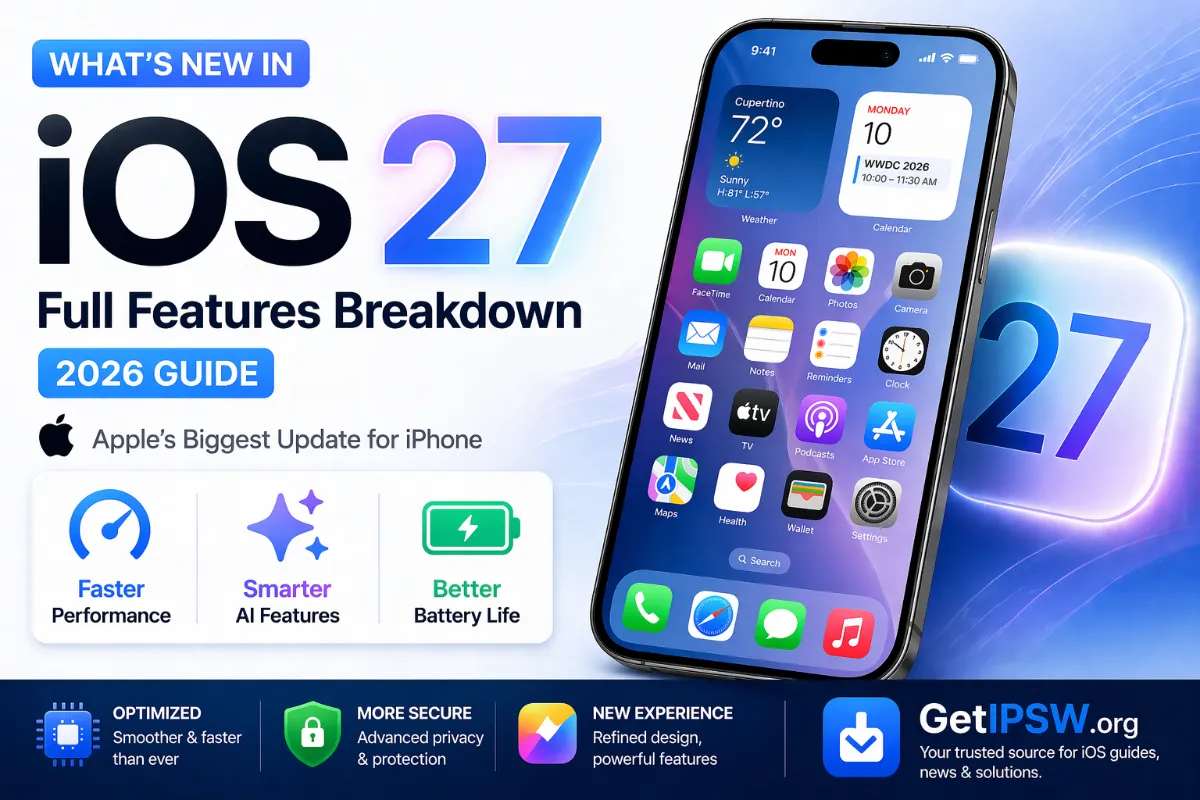
What's New in iOS 27? Full Features Breakdown
iOS 27 is out since September 14, 2026. Here are the features that matter: the new Siri, Photos tools, Safari, speed gains, parental controls, and which iPhones get what.
Updated October 3, 2026 with the final release. This article replaces our earlier preview based on rumors.
Apple released iOS 27 on September 14, 2026, followed by iOS 27.0.1 on September 28. It is a big update, but several of its headline features depend on your iPhone model and your language. Here is what is new and what you will actually get.
Compatible iPhones
iOS 27 runs on every iPhone that supported iOS 26:
- iPhone 11, 12, 13, 14, 15, 16 and 17 series, including iPhone 16e, 17e and iPhone Air
- iPhone SE (2nd and 3rd generation)
- iPhone 18 Pro and 18 Pro Max, which ship with it
Download links and build numbers: iOS 27.0.1 IPSW.
1. A new Siri
The biggest change is a redesigned, AI-powered Siri. It understands natural, imperfect sentences, follows the context of a conversation, can act on what is on your screen, and keeps a conversation history that syncs between your devices. You can also type to Siri.
- Requires an iPhone 15 Pro or newer.
- Languages: English at launch. French, Spanish, Portuguese, Japanese and Korean arrive with iOS 27.2 in October: see iOS 27.2.
- Not available in the European Union and China at launch.
2. Photos: Extend, Spatial Reframe and Clean Up
- Extend generates new image content beyond the edges of a photo, useful to fix a tight crop.
- Spatial Reframe adjusts the composition of a photo after it was taken.
- Clean Up, which removes unwanted objects, is more accurate.
3. Visual Intelligence in the Camera
Point the camera at an object, a poster or a menu to get information, translate text or create an event, directly from the Camera app.
4. Speed
Apple says apps can launch up to 30% faster, the photo library displays up to 70% faster, and AirDrop transfers are up to 80% faster.
5. Safari, Mail, Messages and Calendar
- Safari: tab grouping and notifications when a web page you follow changes.
- Mail: context-aware suggested replies.
- Messages: customizable microphone button.
- Calendar: create events by typing a normal sentence ("lunch with Paul Friday at 1").
6. Stronger parental controls
- Ask to Browse: children must ask permission to open new websites.
- Improved Communication Safety against inappropriate images.
- Time Allowances and schedules by app category.
7. Other changes
- Refinements to the Liquid Glass design introduced in iOS 26.
- Apple Maps Flyover improvements.
- Direct GymKit connection from iPhone to gym equipment.
- 4K video streaming and recording for HomeKit cameras.
Should you install iOS 27?
On an iPhone 15 Pro or newer, yes: you get the most features, and iOS 27.0.1 has fixed the first bugs. On older models, you can also stay on iOS 26.7.1 for now. Read iOS 26.7.1 or iOS 27, and remember that you cannot go back once installed (why).
You Might Also Like
Oct 11, 2026
macOS 27 Won't Install? Fix Mac Update Errors, Stuck Downloads and Not Enough Space
Your Mac does not show macOS 27, the download is stuck, or the installation fails? Here is how to check compatibility, free space and install macOS 27 safely.
Read more →
Oct 11, 2026
AirPlay or Screen Mirroring Not Working? Fix iPhone to TV, Apple TV and Mac
Your TV does not appear in AirPlay, the mirroring freezes, or there is no sound? Here is how to fix AirPlay and Screen Mirroring from iPhone to Apple TV, smart TVs and Mac.
Read more →
Oct 15, 2026
iPhone 18 Pro Max Losing Cellular Service on AT&T: What We Know and What to Do
Some US iPhone 18 Pro Max owners on AT&T lost cellular service with no fix. Apple says affected units must be replaced. Here is what is known, who is affected and what to do.
Read more →