How to Share Your Location on iPhone With Family and Friends (Find My Guide)
Share your live location with family, check that your kids arrived at school, or find a friend in a crowd. Here is how to use Find My and Messages to share location safely.
Sharing your location can make life easier and safer: parents who want to know their children arrived home, friends meeting in a crowded place, or a family member travelling at night. iPhone offers several ways, all under your control.
Share with the Find My app
- Open Find My > People tab.
- Tap + > Share My Location.
- Choose the contact and the duration: One Hour, Until End of Day or Indefinitely.
Share in Messages
In a conversation, tap + > Location to send your live location, or ask the other person to share theirs.
Get notified when someone arrives
In Find My > People, tap the person > Add under Notifications: be notified when they arrive at or leave a place (school, home, office). The person is informed.
Check In
In Messages, + > Check In: when you arrive at your destination, your contact is notified automatically. If you do not arrive on time, they can see your last location and battery level. Ideal for night trips.
Family Sharing
In a Family Sharing group, members can share location automatically, and parents can see children's devices: set up Family Sharing and a child account.
Privacy and stopping sharing
- See who sees you: Find My > Me.
- Stop with one person: tap the person > Stop Sharing My Location.
- Stop everything: turn off Share My Location in Find My > Me.
- Safety Check (Settings > Privacy & Security) stops all sharing at once if you feel unsafe.
Location is wrong?
Lost device? lost or stolen iPhone.
You Might Also Like
Oct 15, 2026
How to Transfer Photos and Videos From iPhone to a Windows PC (4 Methods)
Move your iPhone photos to a Windows 10 or 11 PC with a cable, iCloud, or wirelessly, without losing quality. Plus fixes for the common 'device unreachable' and HEIC problems.
Read more →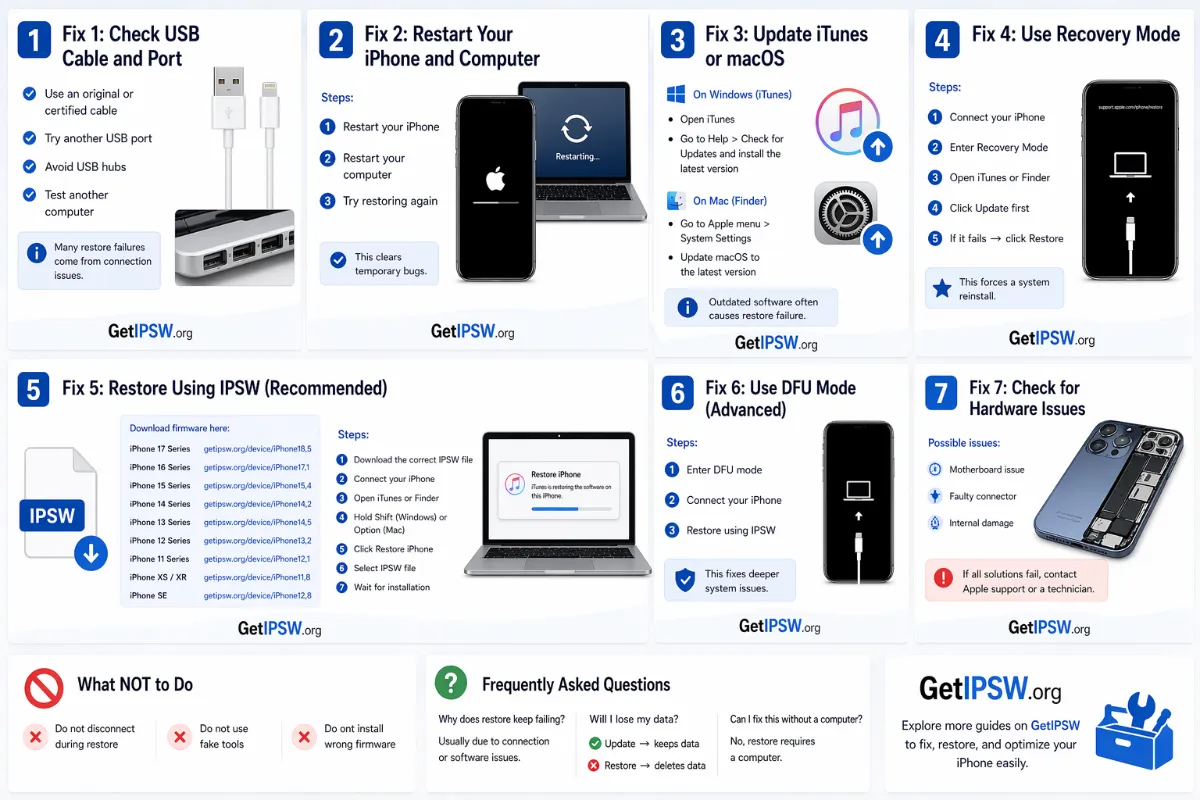
Apr 23, 2026
iPhone Black Screen: How to Fix It Step by Step
A black iPhone screen can be a drained battery, a frozen system or a broken display. Here is how to find out which one and fix it.
Read more →
Oct 11, 2026
AirPlay or Screen Mirroring Not Working? Fix iPhone to TV, Apple TV and Mac
Your TV does not appear in AirPlay, the mirroring freezes, or there is no sound? Here is how to fix AirPlay and Screen Mirroring from iPhone to Apple TV, smart TVs and Mac.
Read more →