How to Set Up Family Sharing and a Child Account on iPhone
Share apps, iCloud storage and subscriptions with up to five family members, and create an Apple Account for a child with Ask to Buy and Screen Time. Step-by-step guide.
Family Sharing lets up to six people (the organizer plus five members) share purchases, an iCloud+ plan, Apple subscriptions and locations, while each keeps their own Apple Account and private data.
What you can share
- App Store purchases (for apps that support sharing).
- An iCloud+ storage plan: one 200 GB plan for the whole family is often cheaper. See iCloud storage.
- Apple Music Family, Apple TV+, Apple One...
- Location and Find My for each other's devices.
Create the family group
- Open Settings > [your name] > Family (or Family Sharing).
- Follow the steps to become the organizer. A payment method is used for shared purchases.
- Tap Invite Others and send invitations by Messages or in person.
Create a child account
- In Settings > Family, tap Add Member > Create Child Account.
- Enter the child's name and date of birth, and confirm parental consent.
- Set up the child's iPhone or iPad with this account.
Ask to Buy
With Ask to Buy, every purchase or free download by the child sends a request to the parent, who approves or declines. If the child cannot install apps: App Store not downloading.
Screen Time
- Set daily limits per app category and downtime at night.
- Restrict content by age and block explicit websites.
- Forgot the code? reset the Screen Time passcode.
Location
Children's locations can be shared with parents: share location with Find My.
Leave or remove a member
The organizer can remove members in Settings > Family. Children under 13 (age varies by country) cannot leave a family group on their own, but can be moved to another family.
Official reference: Apple: Family Sharing.
You Might Also Like
Apr 23, 2026
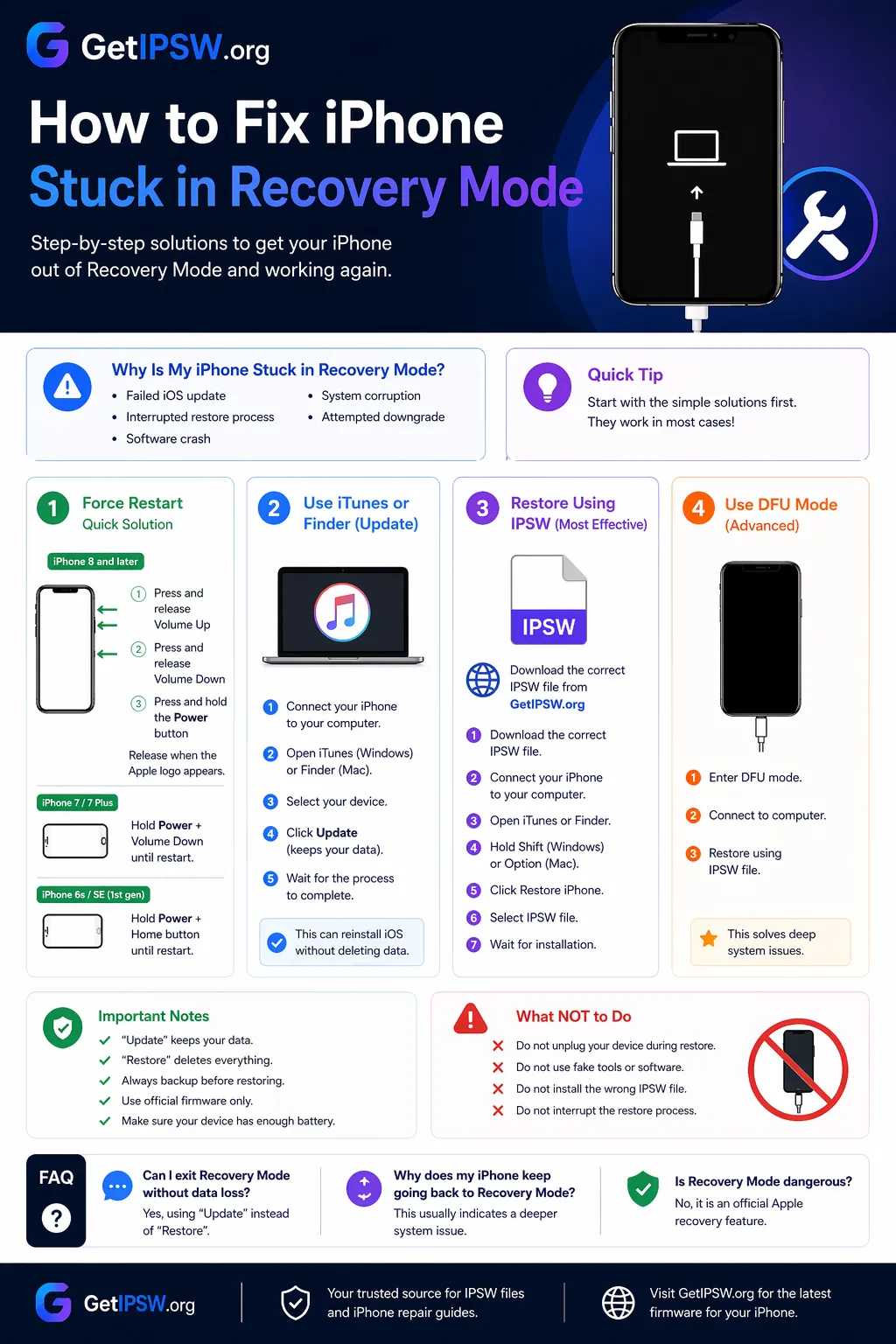
iPhone Stuck in Recovery Mode? How to Get Out (With or Without Losing Data)
If your iPhone shows a computer and cable icon, it is in recovery mode. Try a force restart first, then an Update from your computer before you restore.
Read more →
Oct 12, 2026
How to Copy Text From a Photo on iPhone (Live Text, Translate and More)
Live Text lets you select, copy, translate or call text that appears in a photo, a screenshot or the camera view. Here is how to use it and fix it when it does not appear.
Read more →
Oct 5, 2026
iPadOS 27: Compatible iPads, Dropped Models and New Features
iPadOS 27 was released on September 14, 2026. It drops iPads with the A12 chip. Here is the full compatibility list, what is new and what to do if your iPad is left behind.
Read more →