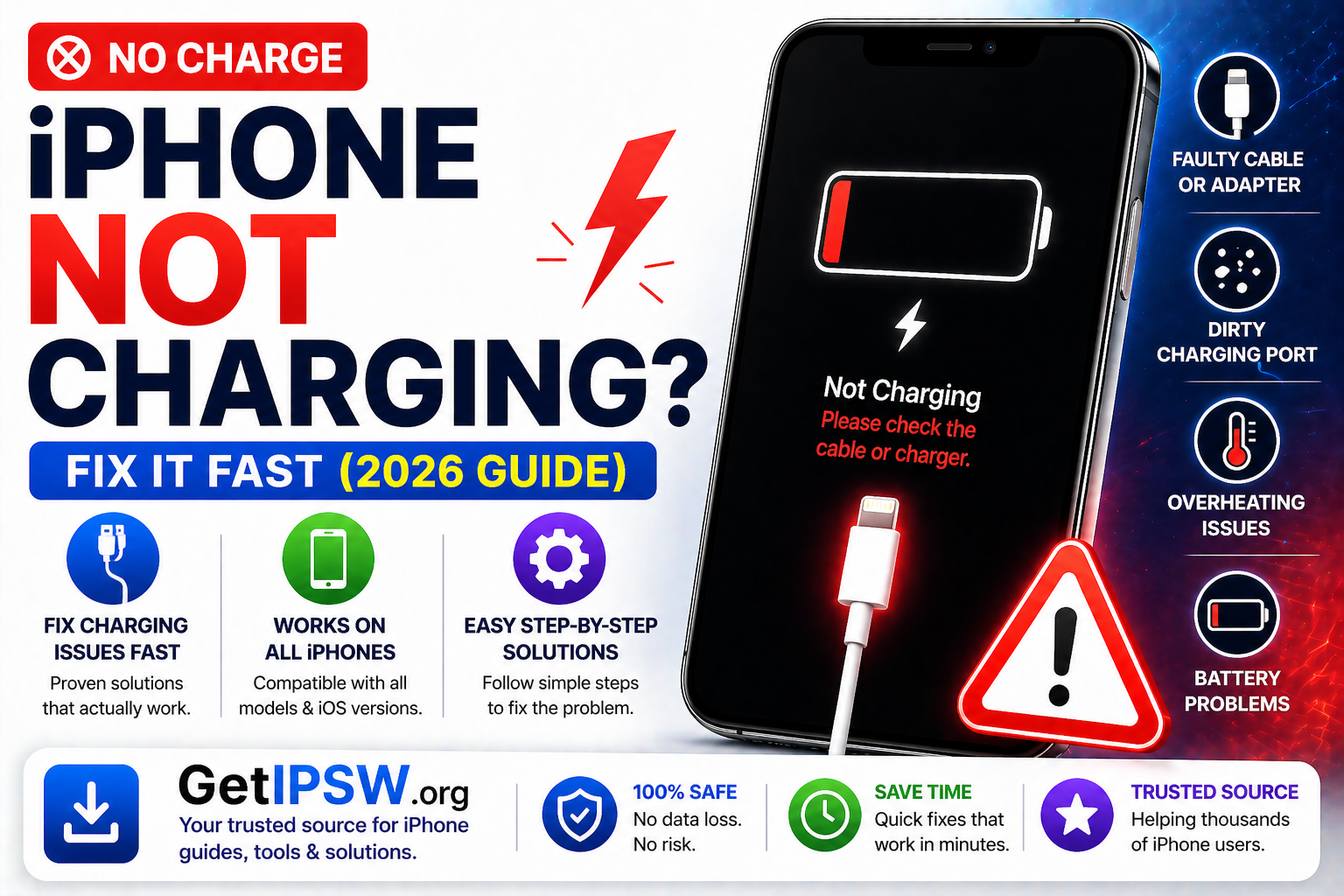
iPhone Not Charging? Common Causes and Fixes
If your iPhone is not charging, charging slowly, or not responding when plugged in, it can be frustrating. This issue can affect any iPhone model and is usually caused by simple problems like dirt, faulty cables, or software glitches.
The good news is that most charging issues can be fixed quickly without professional repair.
Why Is My iPhone Not Charging?

Common causes include:
Dirty or blocked charging port
Damaged cable or adapter
Software bugs or system glitches
Overheating or temperature issues
Battery health problems
1. Check Your Charging Cable and Adapter
Start with the basics.
Try another cable or adapter
Use certified accessories
Inspect for visible damage
👉 Faulty cables are one of the most common causes.
2. Clean the Charging Port


Dust and lint can block the connection.
What to do:
Turn off your iPhone
Use a wooden toothpick or soft brush
Gently remove debris
👉 Avoid using metal objects.
3. Restart Your iPhone
A simple restart can fix temporary bugs.
👉 Turn your device off and back on.
4. Try a Different Power Source
Switch wall outlets
Try a different USB port
Use another charger
👉 This helps identify if the issue is external.
5. Remove Case and Let iPhone Cool Down


If your iPhone is too hot, charging may stop automatically.
👉 Let it cool before charging again.
6. Update iOS
Software bugs can affect charging.
Steps:
Go to Settings → General → Software Update
Install the latest version
7. Check Battery Health
Go to Settings → Battery → Battery Health
👉 If below 80%, the battery may need replacement.
8. Try Wireless Charging (If Supported)
If cable charging fails:
👉 Use a wireless charger to test if the port is the issue.
9. Reset All Settings
If the issue persists:
Go to Settings → General → Transfer or Reset iPhone
Tap Reset All Settings
👉 This does not delete your data.
10. Check for Hardware Damage
If nothing works, the issue may be hardware-related:
Damaged charging port
Faulty battery
Internal component issues
👉 Visit a repair center.
When Charging Issues Are Serious
You should take action if:
iPhone doesn’t respond at all when plugged in
Charging is extremely slow
Device only charges at certain angles
Frequently Asked Questions
Why is my iPhone charging very slowly?
Often due to low-power adapters or background activity.
Can a software update fix charging issues?
Yes, especially if caused by bugs.
Is wireless charging safer?
It’s safe but usually slower than cable charging.
Final Thoughts
iPhone charging problems are common but usually easy to fix. By checking your cable, cleaning the port, and updating iOS, you can solve most issues quickly.
If the problem continues, it may require hardware repair.
Explore more iPhone troubleshooting guides on GetIPSW.
You Might Also Like

May 16, 2026
iOS 26.5 IPSW Download: Complete Guide, Compatible iPhones, Signed Status and Installation Steps
Download iOS 26.5 IPSW for iPhone. Check compatible devices, build number, signed status, file details, and learn how to install it safely.
Read more →
Apr 24, 2026
Best New Features in macOS Tahoe
macOS Tahoe is one of Apple’s most important desktop updates in recent years. Instead of focusing only on design, it combines a visual refresh with powerful productivity tools, AI integration, and deeper ecosystem connectivity.
Read more →
Apr 28, 2026
Bluetooth Not Connecting on iPhone? Easy Fix Guide (2026)
If your iPhone Bluetooth is not connecting, keeps disconnecting, or cannot find devices, you’re not alone. This issue affects many users across different iPhone models and iOS versions.
Read more →