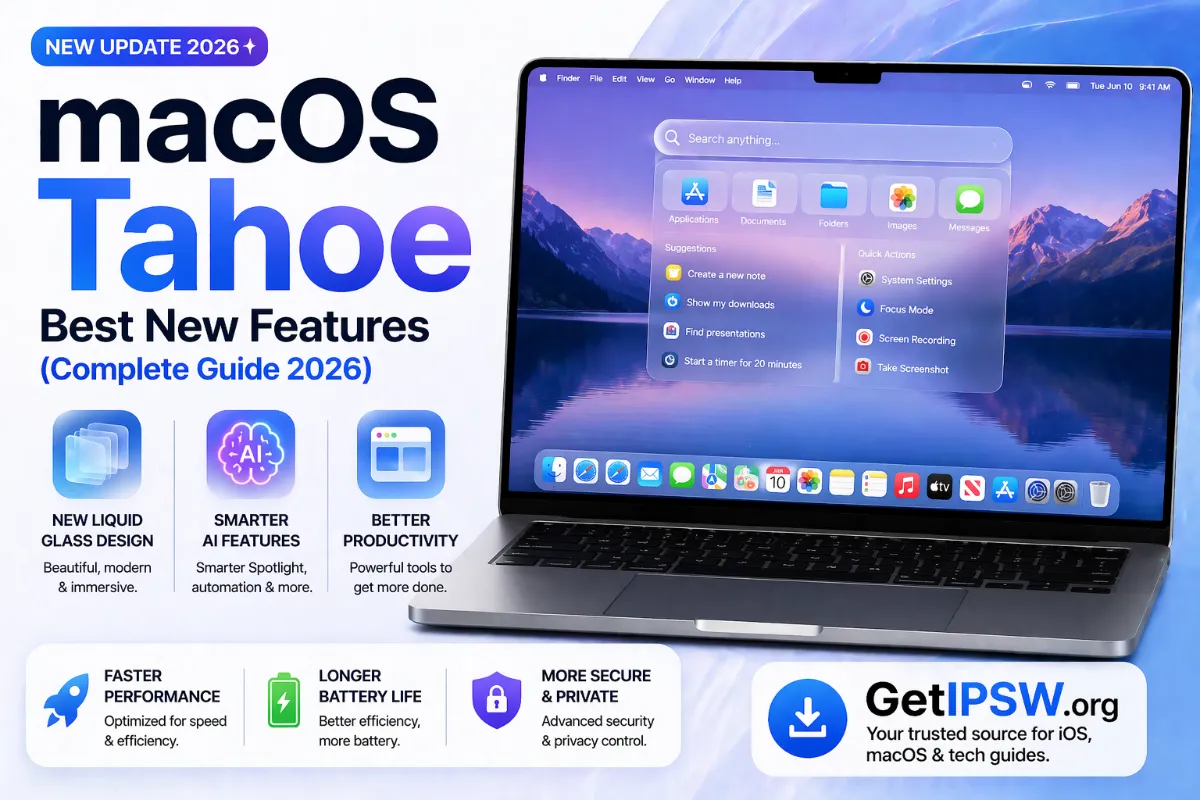
Best New Features in macOS Tahoe (macOS 26)
macOS Tahoe brought the Liquid Glass design, the Phone app, a much smarter Spotlight and more. Here are the features worth knowing, and which Macs can run it.
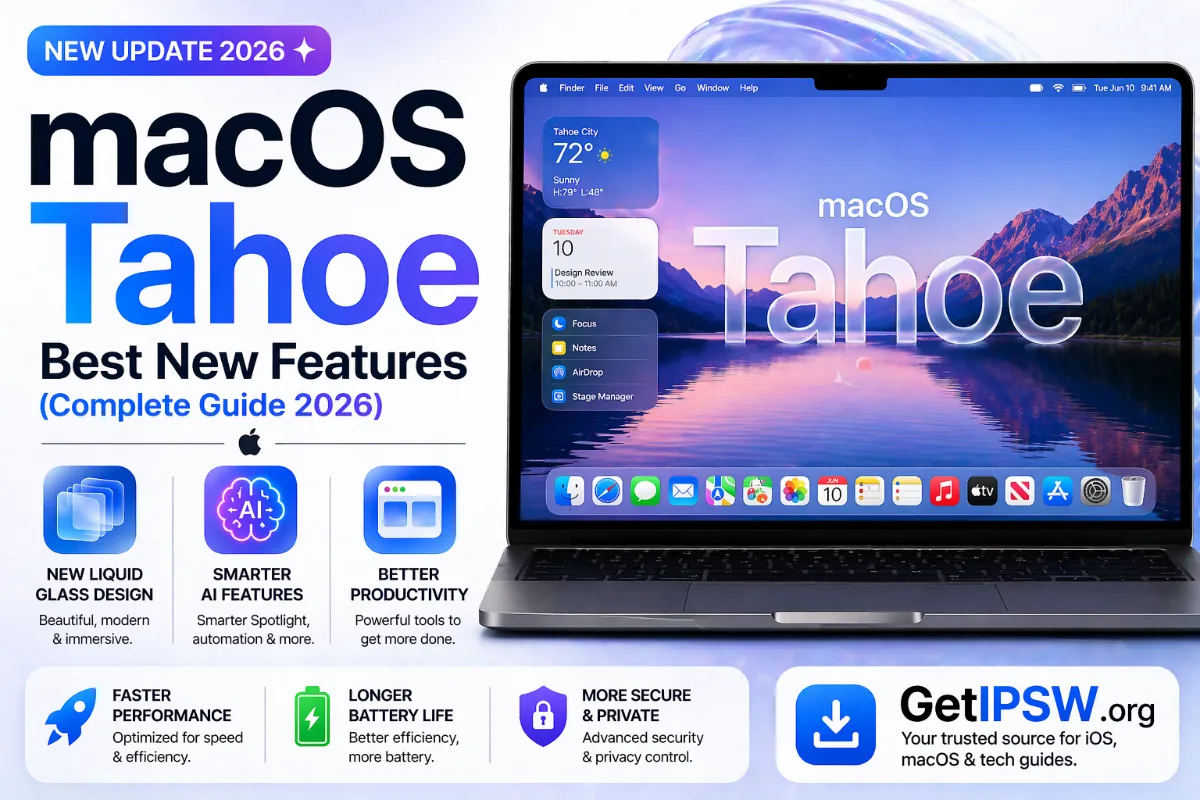
macOS Tahoe, also called macOS 26, was released in September 2025. Apple aligned the version numbers of all its systems that year, which is why it jumped from macOS 15 Sequoia to macOS 26. Here are its most useful features.
1. The Liquid Glass design
Like iOS 26, macOS Tahoe adopts translucent, glass-like menus, toolbars and sidebars. The menu bar is fully transparent, and you can tint folders and choose clear or tinted app icons in System Settings > Appearance.
2. The Phone app on Mac
With an iPhone nearby, you can make and receive calls from the Mac, see recents, voicemail and use Call Screening and Hold Assist, all in the new Phone app.
3. Live Activities from iPhone
Live Activities running on your iPhone, such as a delivery or a ride, appear in the Mac's menu bar. Click one to open the app through iPhone Mirroring.
4. A much smarter Spotlight
- Run actions directly from Spotlight: send a message, create a note, start a timer.
- Browse files, apps and shortcuts with filters.
- Access your clipboard history.
- Assign "quick keys" to frequent actions.
5. Games app
A new Games app gathers your games, Apple Arcade and friends' activity, with an in-game overlay to adjust settings and chat.
6. Shortcuts with Apple Intelligence
Shortcuts can run automatically (at a time, when a file is added to a folder, when a display is connected) and use Apple Intelligence models to summarize or rewrite text.
7. Live Translation
Messages, FaceTime and Phone calls can be translated live on Macs that support Apple Intelligence.
8. Journal on Mac
The Journal app arrived on Mac, with entries synced from iPhone.
Which Macs can run macOS Tahoe?
- All Macs with Apple silicon (M1 and later).
- A few Intel Macs: MacBook Pro 16-inch (2019), MacBook Pro 13-inch with four Thunderbolt ports (2020), iMac (2020) and Mac Pro (2019).
Apple has said that macOS Tahoe is the last version to support Intel Macs. Find Mac firmware on our Mac page.
Should you update?
On a Mac with Apple silicon, yes, especially if you use an iPhone: the Phone app and Live Activities are genuinely useful. On older Intel Macs, check that the professional apps you depend on support macOS 26 before updating.
You Might Also Like
Apr 24, 2026
Apple Intelligence Explained: How It Works on iPhone
What Apple Intelligence does, which iPhones support it, which languages it works in, how it protects privacy, and what changed with iOS 27.
Read more →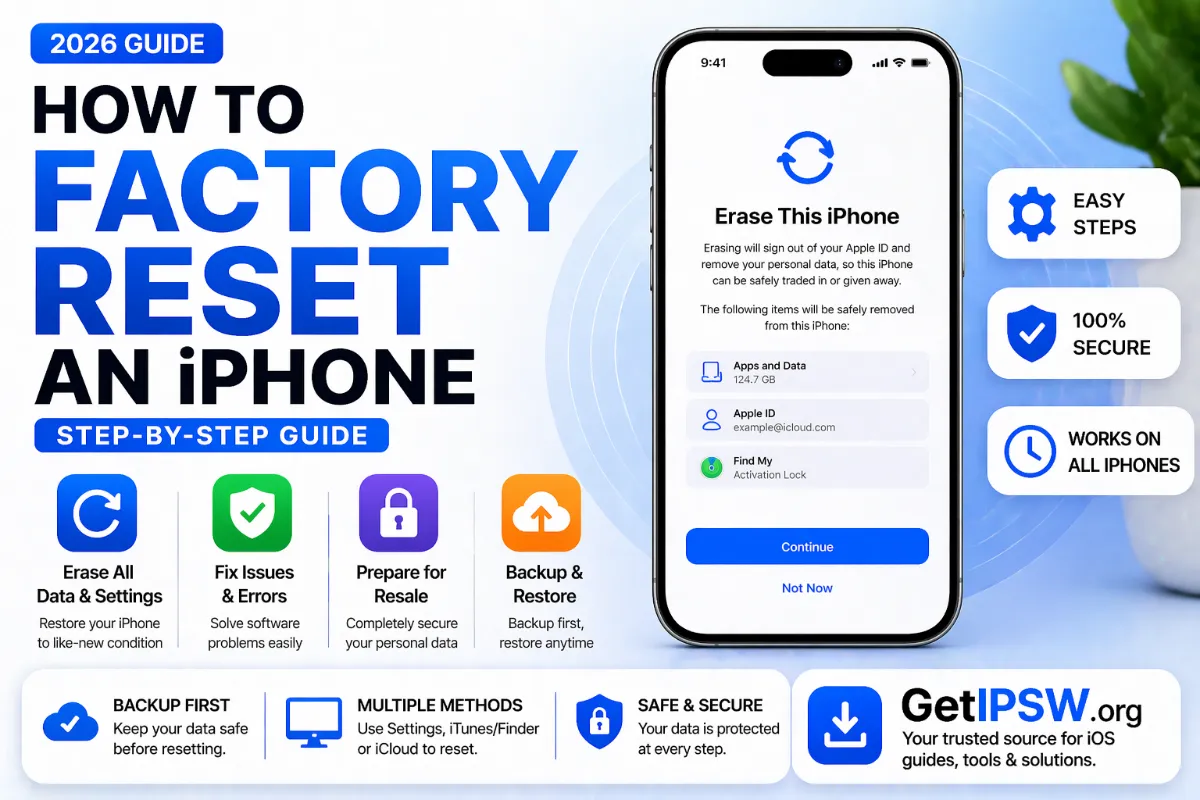
Apr 24, 2026
How to Factory Reset an iPhone (Step-by-Step Guide)
How to erase an iPhone completely before selling it or to fix serious problems: from Settings, with a computer, or remotely with Find My.
Read more →
Oct 5, 2026
Personal Hotspot Not Working on iPhone? 12 Fixes
Personal Hotspot missing from Settings, devices that cannot connect, or a connection that keeps dropping: here is how to fix iPhone hotspot problems step by step.
Read more →