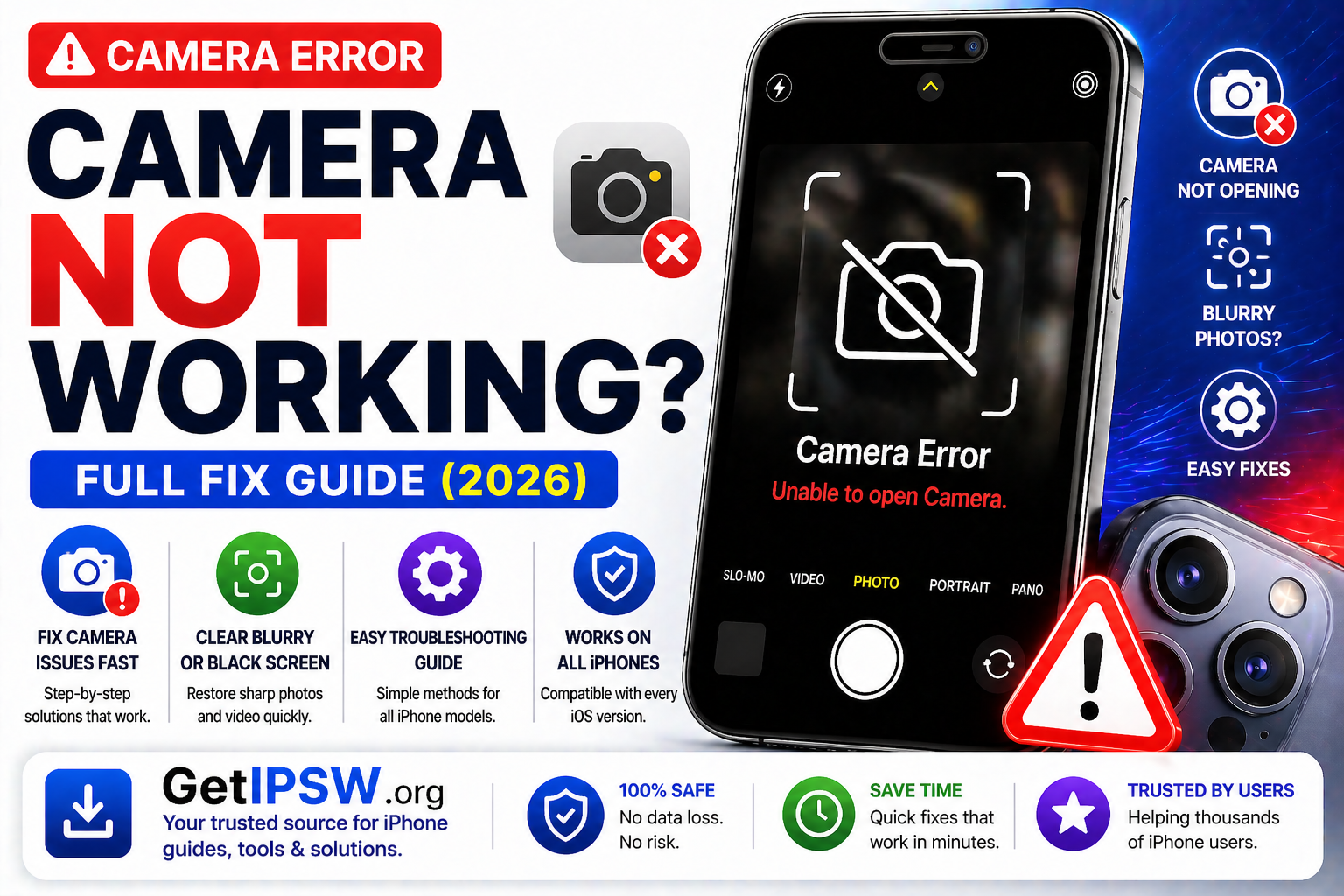
iPhone Camera Not Working? Full Troubleshooting Guide (2026)
If your iPhone camera is not working, showing a black screen, blurry images, or crashing when opened, you’re not alone. This issue can affect any iPhone model and is usually caused by software glitches, settings conflicts, or hardware problems.
If your iPhone camera is not working, showing a black screen, blurry images, or crashing when opened, you’re not alone. This issue can affect any iPhone model and is usually caused by software glitches, settings conflicts, or hardware problems.
The good news is that most camera issues can be fixed quickly without professional repair.
Why Is My iPhone Camera Not Working?


Common causes include:
Temporary system glitches
Camera app bugs
Dirty or blocked lens
iOS software issues
Hardware damage (rare)
1. Close and Reopen the Camera App
Sometimes the app just freezes.
👉 Swipe up to close the Camera app, then reopen it.
2. Restart Your iPhone
Restarting clears temporary bugs.
👉 Turn your iPhone off and back on.
3. Clean the Camera Lens


Dirt or fingerprints can cause blurry photos.
👉 Use a microfiber cloth to clean the lens gently.
4. Check for App Conflicts
Other apps using the camera may cause issues.
Close apps like Instagram, Snapchat, or Zoom
Reopen the Camera app
5. Check Camera Permissions
Some apps may not access the camera properly.
Steps:
Go to Settings → Privacy & Security → Camera
Enable access for required apps
6. Update iOS


Software bugs can affect the camera.
Steps:
Go to Settings → General → Software Update
Install the latest version
7. Remove Case or Accessories
Some cases or lens covers may block the camera.
👉 Remove them and test again.
8. Reset All Settings
If the issue persists:
Go to Settings → General → Transfer or Reset iPhone
Tap Reset All Settings
👉 This does not delete your data.
9. Test Front and Rear Cameras
Open Camera app
Switch between front and rear cameras
👉 If one doesn’t work, it may indicate hardware damage.
10. Use Another Camera App
Try a third-party camera app.
👉 If it works, the issue may be with the default Camera app.
When It Might Be a Hardware Problem
You may need repair if:
Camera shows a black screen permanently
Lens is cracked or damaged
Camera shakes or cannot focus
👉 Visit a repair center.
Frequently Asked Questions
Why is my iPhone camera black?
Usually due to software glitches or app conflicts.
Can iOS update fix camera issues?
Yes, updates often fix bugs.
Why are my photos blurry?
Often due to a dirty lens or focus issue.
Final Thoughts
iPhone camera issues are common but usually easy to fix. By restarting your device, cleaning the lens, and updating iOS, you can resolve most problems quickly.
If the issue persists, it may require hardware repair.
Explore more iPhone troubleshooting guides on GetIPSW.
You Might Also Like
Apr 24, 2026
How to Backup Your iPhone (iCloud & Computer Guide 2026)
Backing up your iPhone is one of the most important steps to protect your data. Whether you’re updating iOS, resetting your device, or switching to a new iPhone, having a backup ensures that your photos, messages, and apps are safe.
Read more →
Apr 27, 2026
WiFi Not Working on iPhone? Complete Fix Guide (All iOS Versions)
If your iPhone WiFi is not working, keeps disconnecting, or won’t connect at all, you’re not alone. This issue can affect any iPhone model and iOS version.
Read more →
Apr 24, 2026
What’s New in iOS 27? Full Features Breakdown (2026 Guide)
iOS 27 is Apple’s major 2026 software update for iPhone, focusing on performance, efficiency, and smarter features powered by artificial intelligence. Unlike previous visually heavy updates, iOS 27 takes a more refined approach, improving stability while introducing key innovations for future devices.
Read more →