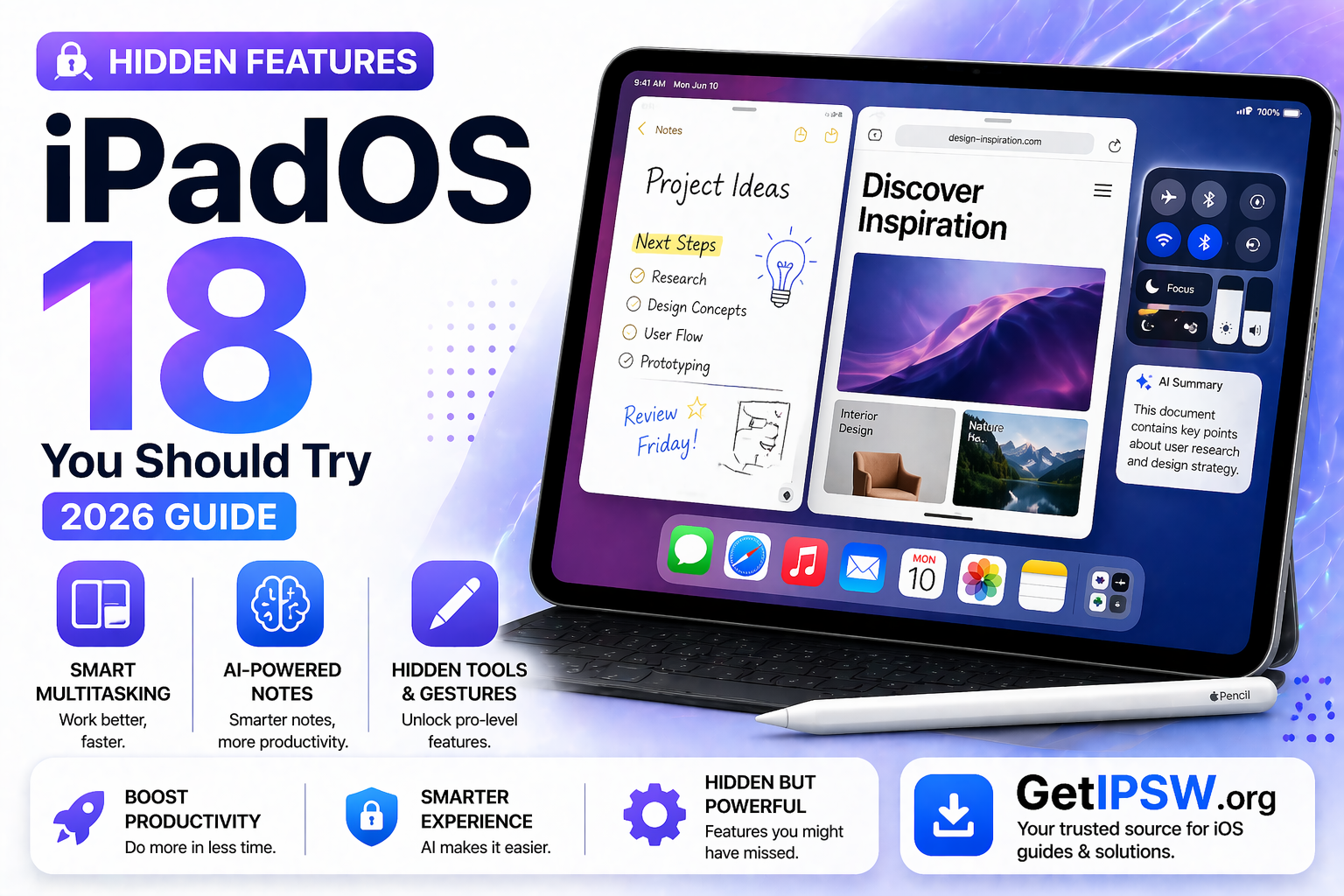
Hidden Features in iPadOS 18 You Should Try (2026 Guide)
iPadOS 18 introduces a wide range of improvements, but many of its most powerful features are not immediately visible. Beyond the headline updates, there are several hidden tools and enhancements that can significantly improve your productivity and overall experience.
In this guide, we explore the most useful hidden features in iPadOS 18 that you should start using today.
Advanced Multitasking Controls


iPadOS 18 refines multitasking with smoother gestures and better window control.
What’s new:
Faster switching between apps
Improved Split View responsiveness
More stable Stage Manager experience
These improvements make working with multiple apps more seamless, especially on larger iPads.
Smart Notes with AI Assistance


The Notes app now includes smarter features powered by on-device intelligence.
Hidden capabilities:
Automatic organization of notes
Improved handwriting recognition
Smart suggestions for formatting
This is especially useful for students and professionals who rely on digital note-taking.
Hidden Trackpad Gestures


If you use a keyboard with a trackpad, iPadOS 18 introduces subtle gesture improvements.
Try these:
Three-finger swipe to switch apps
Pinch gesture to go to Home screen
Multi-finger gestures for multitasking
These gestures make the iPad feel closer to a desktop experience.
Enhanced File Management


The Files app has received under-the-hood improvements.
New enhancements:
Better folder organization
Faster file previews
Improved external storage support
Managing documents and media is now more efficient.
Custom Lock Screen and Widgets


iPadOS 18 expands customization options.
You can now:
Add widgets to the lock screen
Customize layouts more freely
Personalize your workspace
This allows a more tailored user experience.
Improved Apple Pencil Features


Apple Pencil functionality has been refined.
Hidden improvements:
More precise input
Better hover detection
Smoother drawing experience
Ideal for creatives and note-takers.
Background App Efficiency


iPadOS 18 improves how apps run in the background.
Benefits:
Reduced battery usage
Better performance stability
Less overheating
This contributes to a smoother overall experience.
Hidden Safari Productivity Tools


Safari includes several underused features.
You can:
Use tab groups for organization
Enable distraction-free reading mode
Manage multiple browsing sessions
These tools are great for research and productivity.
Frequently Asked Questions
Are these features available on all iPads?
Some features depend on your device model and hardware capabilities.
Do I need to enable these features manually?
Yes, many hidden features require activation in Settings.
Is iPadOS 18 focused on productivity?
Yes, most hidden features are designed to improve workflow and efficiency.
Final Thoughts
iPadOS 18 is more powerful than it appears at first glance. Its hidden features can transform how you use your iPad, especially for productivity, creativity, and multitasking.
Exploring these tools allows you to unlock the full potential of your device.
Explore more iPad tips, updates, and guides on GetIPSW.
You Might Also Like

Apr 28, 2026
iPhone Camera Not Working? Full Troubleshooting Guide (2026)
If your iPhone camera is not working, showing a black screen, blurry images, or crashing when opened, you’re not alone. This issue can affect any iPhone model and is usually caused by software glitches, settings conflicts, or hardware problems.
Read more →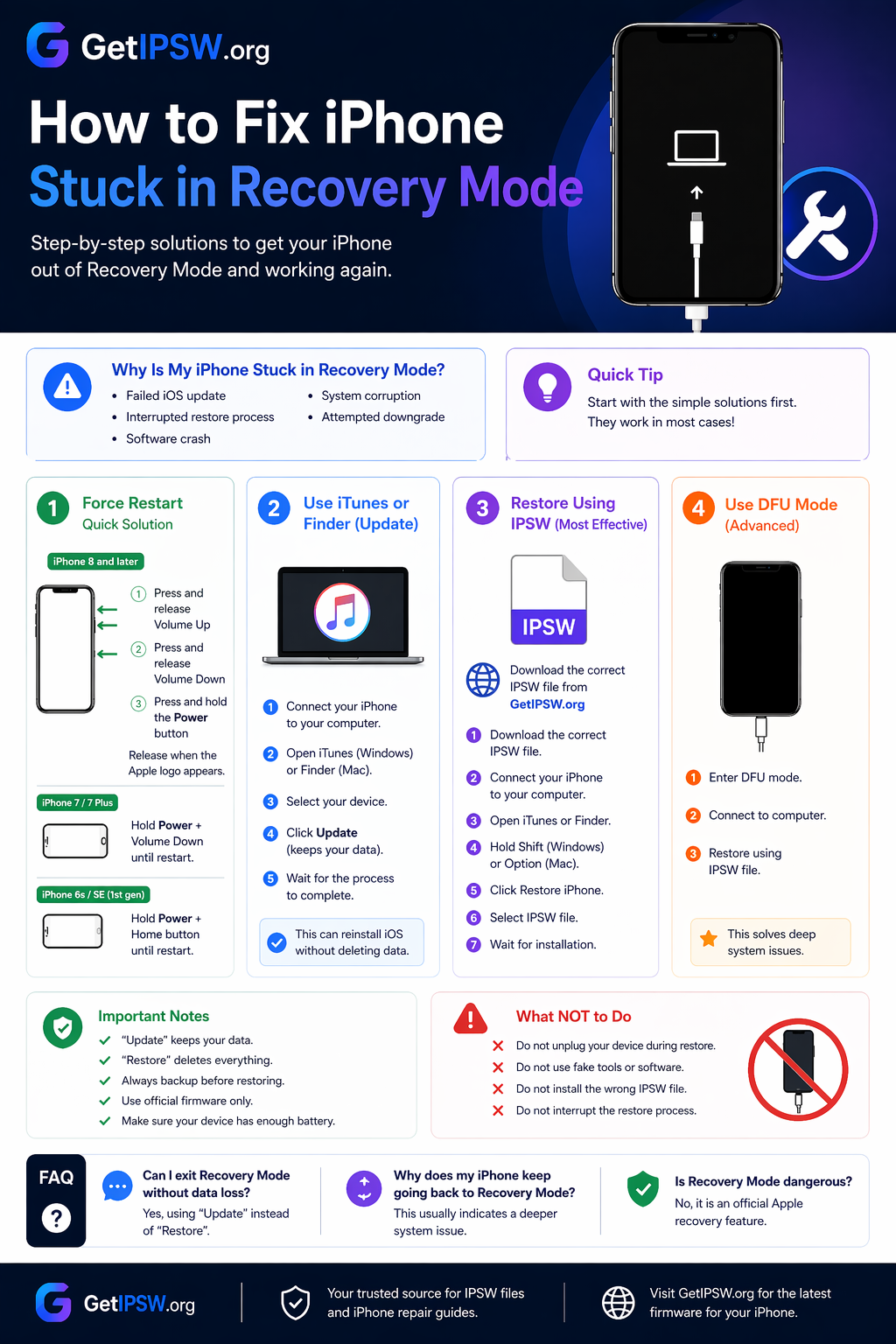
Apr 23, 2026
How to Fix iPhone Stuck in Recovery Mode (2026 Guide)
In this guide, you’ll learn the best methods to fix an iPhone stuck in Recovery Mode step by step.
Read more →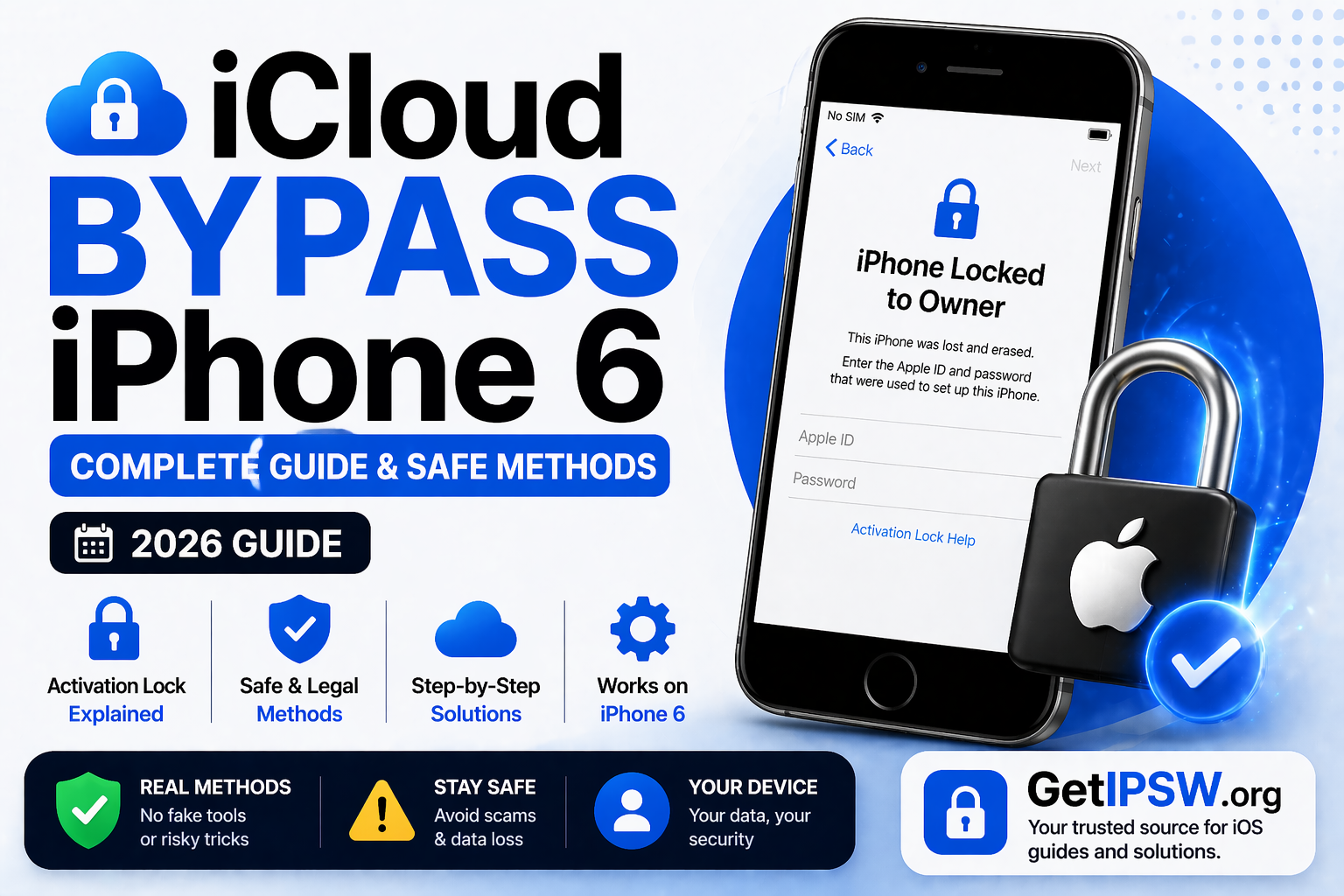
Apr 24, 2026
iCloud Bypass iPhone 6: Complete Guide & Safe Methods (2026)
If your iPhone 6 is stuck on the Activation Lock screen, it can be frustrating—especially if you forgot your Apple ID or purchased a second-hand device.
Read more →