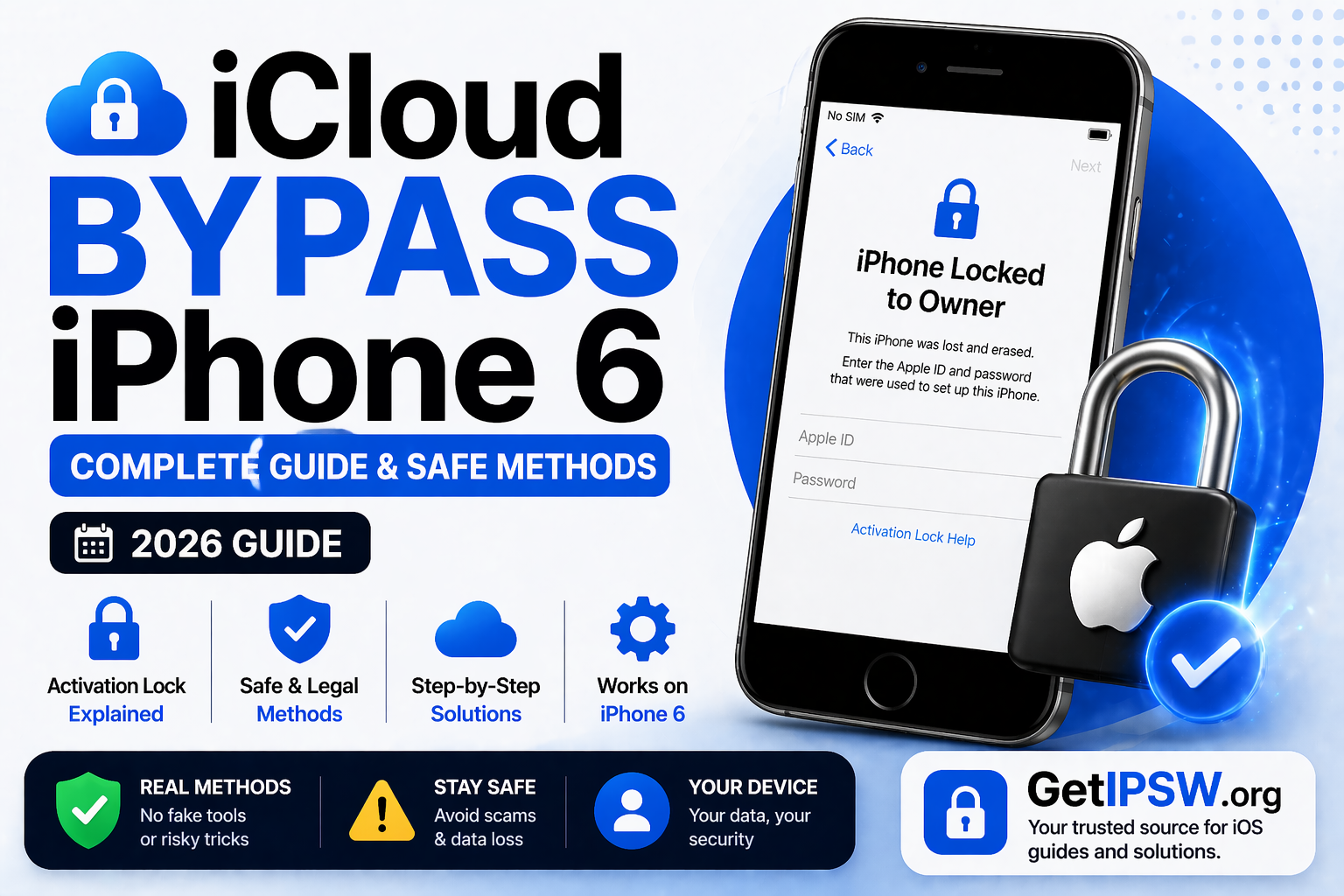
iCloud Bypass iPhone 6: Complete Guide & Safe Methods (2026)
If your iPhone 6 is stuck on the Activation Lock screen, it can be frustrating—especially if you forgot your Apple ID or purchased a second-hand device.
This guide explains what Activation Lock is, how it works, and the realistic options available to remove it safely.
What Is Activation Lock on iPhone 6?


Activation Lock is a security feature linked to the “Find My” service. When enabled, it ties your iPhone to an Apple ID.
This means:
The device cannot be reactivated without the correct Apple ID
A factory reset does not remove the lock
It helps protect user data and prevent theft
Even after wiping the device, Activation Lock remains active until the correct credentials are entered.
How Does Activation Lock Work?


When “Find My iPhone” is enabled, Apple stores your device information securely on its servers. During setup, the iPhone checks these servers.
If the Apple ID credentials do not match:
The setup process is blocked
Access to the device is denied
This is why Activation Lock is considered a strong security feature.
Best Ways to Remove iPhone 6 Activation Lock
1. Remove via Apple ID (Official Method)


This is the most reliable and permanent solution.
Steps:
Go to account.apple.com
Sign in with your Apple ID
Select your iPhone 6
Click “Remove from Account”
Restart the device
2. Use Find My (Remote Removal)


If you have access to the Apple ID on another device:
Steps:
Open the Find My app
Select your iPhone 6
Tap “Erase This Device”
Tap “Remove from Account”
Once removed, the device can be set up normally.
3. Ask the Previous Owner


If you bought the iPhone second-hand, contact the previous owner.
They need to:
Log into iCloud
Remove the device from their account
This is the simplest and most effective solution.
4. Use Unlock Tools (Limited Cases)


Some tools claim to bypass Activation Lock.
In reality:
They may work on older devices like iPhone 6 in specific conditions
They often require technical steps
Results are not guaranteed
Limitations:
May not be permanent
Device features may be restricted
Not supported by Apple
Use these tools with caution and realistic expectations.
5. DNS Method (Temporary Access Only)


The DNS method does not remove Activation Lock.
It only:
Provides limited access to certain features
Works on older iOS versions
Resets after reboot
This is not a permanent solution.
6. Contact Apple Support


If you are the rightful owner but cannot access your Apple ID:
Steps:
Gather proof of purchase
Visit support.apple.com or an Apple Store
Submit a request
Apple may unlock the device after verification.
Important Notes
Activation Lock is designed to prevent unauthorized access
No method guarantees bypass without Apple ID
Many online claims are misleading
The safest approach is always to use official Apple methods.
Frequently Asked Questions
Can iPhone 6 Activation Lock be bypassed?
Only in limited cases. Official removal is always recommended.
Does jailbreaking remove Activation Lock?
No, it does not reliably remove the lock.
Is DNS bypass permanent?
No, it only provides temporary access.
Final Thoughts
Activation Lock is a powerful security feature designed to protect your iPhone and personal data.
If your iPhone 6 is locked, the best options are:
Using your Apple ID
Removing the device via Find My
Contacting Apple Support
Asking the previous owner
Avoid unreliable solutions and focus on safe, proven methods.
Explore more guides on GetIPSW to unlock, restore, and manage your iPhone safely.
You Might Also Like

Apr 24, 2026
Hidden Features in iPadOS 18 You Should Try (2026 Guide)
iPadOS 18 introduces a wide range of improvements, but many of its most powerful features are not immediately visible. Beyond the headline updates, there are several hidden tools and enhancements that can significantly improve your productivity and overall experience.
Read more →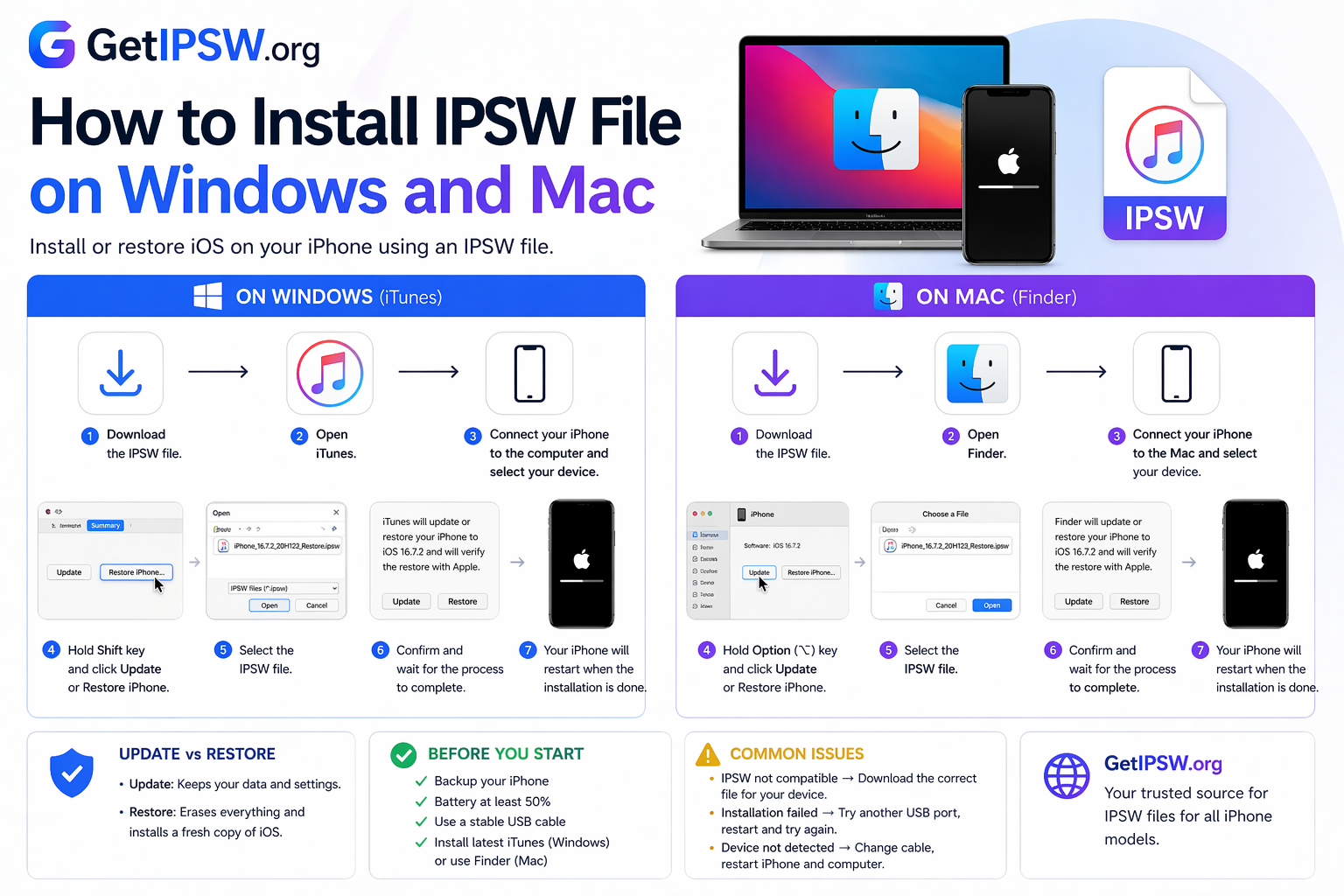
Apr 23, 2026
How to Install IPSW File on Windows and Mac
Looking to install an IPSW file on your iPhone? You’re in the right place.
Read more →
May 16, 2026
How to Restore an iPhone Using IPSW File: Complete Step-by-Step Guide
Restoring an iPhone using an IPSW file is one of the most useful methods for manually reinstalling iOS, fixing serious software issues, updating a device from a computer, or performing a clean restore. An IPSW file is the official Apple firmware package used during the update or restore process.
Read more →