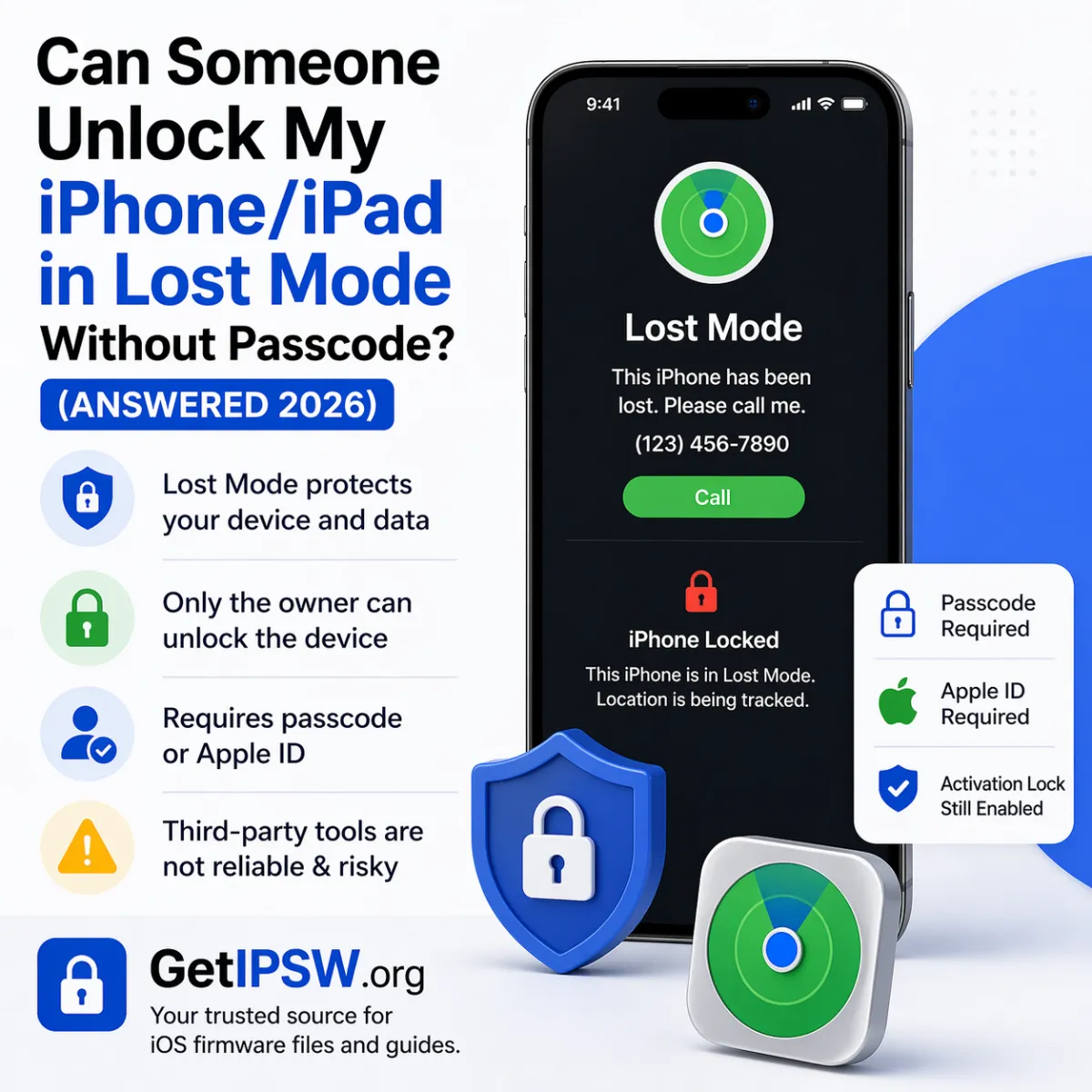
Can Someone Unlock an iPhone in Lost Mode Without the Passcode? (Answered)
Lost Mode locks an iPhone remotely. Only the owner can turn it off, with the passcode or their Apple Account. Here is how it works and what to do if you bought a locked iPhone.
Short answer: no. When an iPhone is in Lost Mode, only its owner can unlock it, either with the device passcode or through their Apple Account. Even if someone erases the iPhone, Activation Lock keeps it tied to the owner's account. This is what makes stolen iPhones nearly worthless.
What Lost Mode does
- Locks the iPhone with its passcode and suspends Apple Pay cards.
- Shows a message and a phone number on the Lock Screen.
- Keeps reporting the iPhone's location in Find My.
- Blocks notifications and access to data until the passcode is entered.
If it is your iPhone
You found it and know the passcode
Enter the passcode on the iPhone. Lost Mode turns off automatically.
You forgot the passcode
- Sign in at icloud.com/find or open Find My on another Apple device.
- Select the iPhone and turn off Mark As Lost.
- If you still cannot unlock it, erase it (Erase This Device, or the methods in iPhone Unavailable), then set it up with your Apple Account and restore a backup.
If you bought or found an iPhone in Lost Mode
- You found it: call the number shown on the screen or take it to a police station or Apple Store. The owner can see where it is.
- You bought it second-hand: contact the seller and ask them to remove the iPhone from their account at icloud.com/find. If the seller disappears, the iPhone may be stolen: ask for a refund through the platform or payment method you used.
Programs and services claiming to "bypass Lost Mode" or "remove iCloud" either do not work, scam buyers, or deal in stolen phones. Apple only removes Activation Lock for the original owner with proof of purchase: see how to remove Activation Lock legitimately.
Protect yourself when buying second-hand
- Ask the seller to erase the iPhone in front of you.
- Check that it shows the Hello screen and does not ask for someone else's Apple Account.
- Check the IMEI with the carrier when possible, and keep a receipt with the IMEI written on it.
You Might Also Like
Oct 10, 2026
"This Device Isn't Eligible for the Requested Build": Causes and Fixes
This iTunes, Finder and Apple Devices error appears when you try to install firmware that Apple refuses for your iPhone. Here are the real causes and what you can and cannot do.
Read more →
Apr 28, 2026
iPhone Running Slow After an Update? How to Speed It Up
An iPhone often feels slow for a few days after an update. Here is why, how long it lasts, and what to do if it stays slow.
Read more →
Oct 5, 2026
AirPods 5 vs AirPods 4: Differences and Should You Upgrade?
AirPods 5 bring noise cancellation to every model at a lower price than the AirPods 4 with ANC. Here are the differences, the weak points and who should upgrade.
Read more →