
Mac Activation Lock: How to Remove It the Legitimate Way
A MacBook asking for the previous owner's Apple Account is protected by Activation Lock. Here is how owners remove it, what to do with a second-hand Mac, and how Apple can help.
Macs with Apple silicon (M1 and later) or the Apple T2 Security Chip (most Intel Macs from 2018 to 2020) are protected by Activation Lock when Find My is on. After an erase, the Mac asks for the Apple Account that was signed in. This is what prevents a stolen Mac from being reused.
If the Mac is yours
- On the Activation Lock screen, enter the Apple Account email and password that you used on this Mac.
- Forgot the password? Reset it at iforgot.apple.com from another device, then try again.
- If you no longer have access to the account, start account recovery with Apple Support.
If you bought the Mac second-hand
Ask the seller to remove it from their account. They can do it remotely, in a minute:
- Sign in at icloud.com/find.
- Select the Mac in the device list.
- Choose Remove This Device.
- Restart the Mac: it can now be activated.
If the seller refuses or cannot be reached, contact the platform or payment provider you used. A Mac that stays locked to someone else's account cannot be used.
If you are the original owner and have proof of purchase
Apple can remove Activation Lock if you can prove you own the device. Start an Activation Lock support request at getsupport.apple.com with the serial number and an original receipt showing it. Apple reviews each request.
Firmware password on older Intel Macs
Intel Macs without a T2 chip do not have Activation Lock, but a firmware password can block startup from other disks. Only Apple or an Apple Authorized Service Provider can remove a forgotten firmware password, with proof of purchase.
Why "bypass" tools are a bad idea
- They do not remove the lock from Apple's servers; the Mac stays locked after the next reset or update.
- They often require disabling security features, which exposes the Mac.
- They are widely used to resell stolen computers.
Before selling your Mac
- Sign out of iCloud (System Settings > [your name] > Sign Out).
- Use Erase All Content and Settings (System Settings > General > Transfer or Reset).
- Remove the Mac from your account at icloud.com/find.
For iPhone, see iPhone Activation Lock.
You Might Also Like
Oct 15, 2026
iPhone Back Tap: 15 Useful Shortcuts by Tapping the Back of Your iPhone
Double or triple tap the back of your iPhone to take a screenshot, turn on the flashlight, open the camera or run a shortcut. Here is how to set up Back Tap and the best actions.
Read more →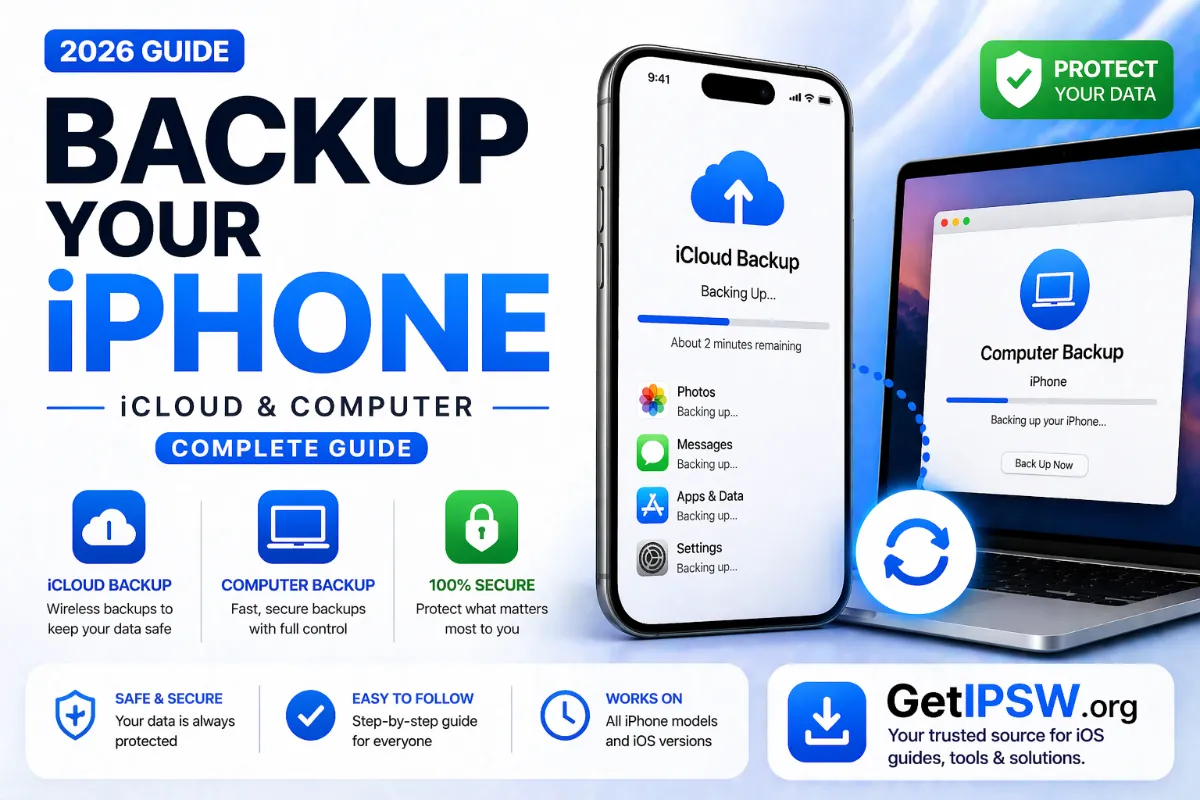
Apr 24, 2026
How to Back Up Your iPhone (iCloud and Computer Guide)
Two ways to back up an iPhone: automatically to iCloud or to a Mac or Windows PC. What each one saves, how much space you need and how to check a backup worked.
Read more →
Oct 5, 2026
iPadOS 27: Compatible iPads, Dropped Models and New Features
iPadOS 27 was released on September 14, 2026. It drops iPads with the A12 chip. Here is the full compatibility list, what is new and what to do if your iPad is left behind.
Read more →