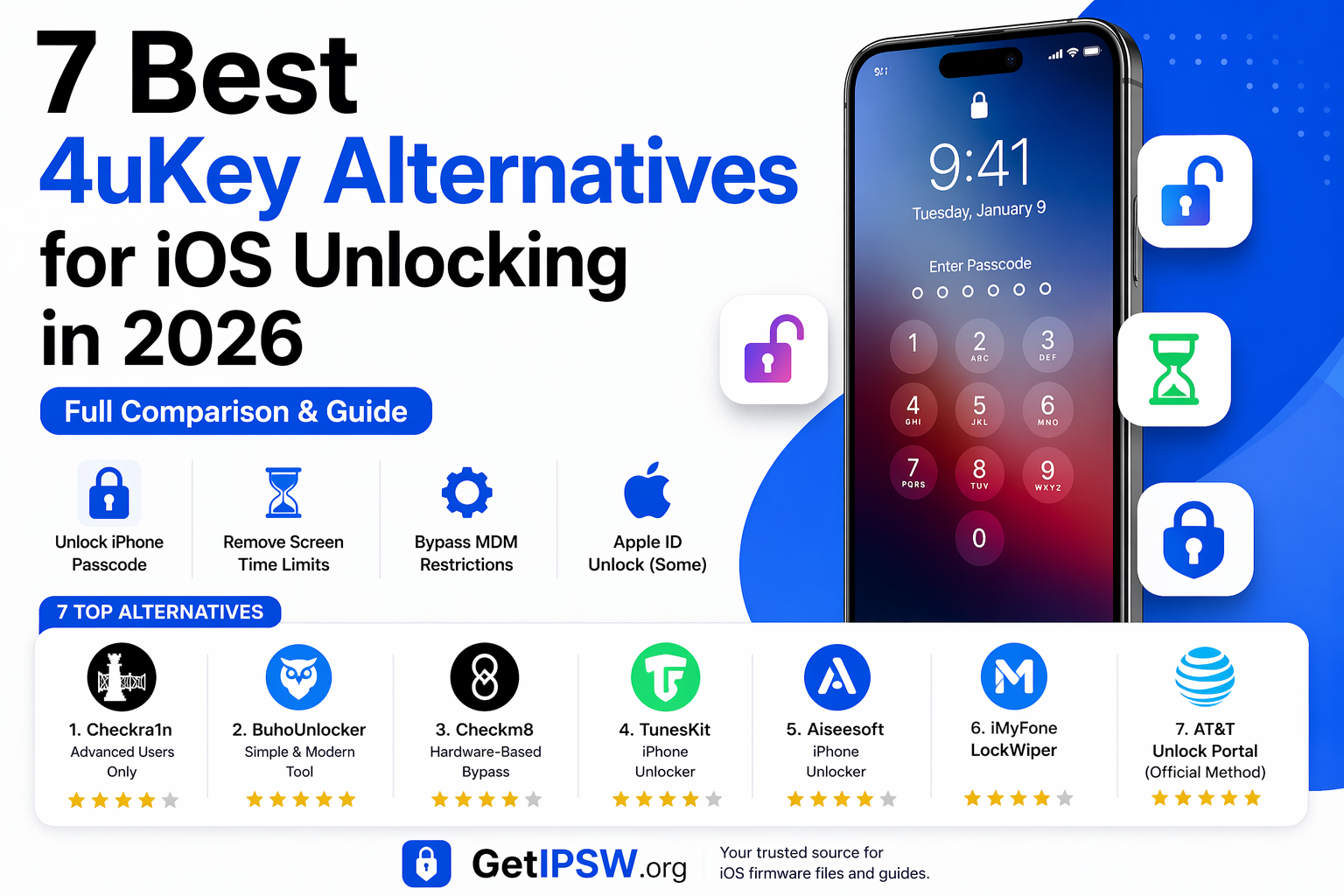
7 Best 4uKey Alternatives for iOS Unlocking in 2026
Getting locked out of your iPhone can feel like hitting a wall. Whether you forgot your passcode, are dealing with a disabled device, or facing restrictions like Screen Time or MDM, tools like 4uKey are often suggested.
But what if you want alternatives?
In this guide, we explore the 7 best 4uKey alternative tools in 2026, including their features, advantages, and limitations — so you can choose the right one for your needs.
Part 1: What Is Tenorshare 4uKey, and How Does It Function4
uKey is a popular iOS unlocking tool designed to remove:
Screen passcodes
Apple ID (in some cases)
Screen Time restrictions
MDM profiles
It is known for its simplicity and high success rate, especially for unlocking devices when users forget their passcodes
👉 However, many users look for alternatives due to:
pricing
compatibility
trust concerns
specific use cases
🧠 How We Selected These Tools
To ensure a fair comparison, tools were evaluated based on:
Ease of use
Safety and reliability
Success rate
Device compatibility
Customer support
Real user feedback
👉 This helps identify tools that are actually useful in real scenarios.
🥇 1. Checkra1n (Advanced Users Only)
Checkra1n is an open-source jailbreak tool that uses a hardware vulnerability found in older iPhones (up to iPhone X).
✔️ Pros:
Free and open-source
Deep system access
Reliable on supported devices
❌ Cons:
Very technical (not beginner-friendly)
Limited functionality after use
Not supported on newer iPhones
Requires macOS or Linux
👉 Best for advanced users and research purposes.
🥈 2. BuhoUnlocker (Simple & Modern Tool)
BuhoUnlocker is a newer paid tool designed for users who need a simple unlocking experience.
✔️ Pros:
Clean interface
Easy to use
Supports multiple lock types
❌ Cons:
Limited community feedback
Fewer tutorials available
👉 Good for beginners looking for simplicity.
🥉 3. Checkm8 (Hardware-Based Bypass)
Checkm8 tools rely on a hardware exploit similar to Checkra1n.
✔️ Pros:
Works on older devices
Useful for specific unlocking scenarios
❌ Cons:
Not permanent
Features may be limited after bypass
Requires technical steps
👉 Not a full unlock solution, but useful in specific cases.
⚙️ 4. TunesKit iPhone Unlocker
A multi-purpose tool for handling common lock issues.
✔️ Pros:
Beginner-friendly
Handles multiple lock types
Good support
❌ Cons:
Limited support for newer iPhones
Inconsistent results reported
🔧 5. Aiseesoft iPhone Unlocker
A popular alternative known for its clean interface and safety.
✔️ Pros:
Supports many iOS versions
No malware or risky behavior
Clear instructions
❌ Cons:
Cannot remove Activation Lock
Slower process
👉 Good balance between safety and usability.
🔐 6. iMyFone LockWiper
A widely used unlocking tool for personal devices.
✔️ Pros:
Easy to use
Supports many devices
Multiple unlocking options
❌ Cons:
Cannot bypass Activation Lock
Not always successful
🌐 7. AT&T Unlock Portal (Official Method)
👉 This is an official carrier unlock solution.
✔️ Pros:
Safe and legitimate
Free to use
No software required
❌ Cons:
Only works for eligible devices
Carrier restrictions apply
👉 Best option if your device meets requirements.
⚠️ Important Reality Check
👉 Let’s be clear:
No tool can reliably bypass iCloud Activation Lock on modern devices
Many tools claiming this are misleading or limited
Most legitimate solutions require:
Apple ID
or official reset methods
👉 Always prioritize safe and legal solutions.
🔄 Which Tool Should You Choose?
✅ Beginner → BuhoUnlocker / LockWiper
✅ Advanced → Checkra1n / Checkm8
✅ Safe option → Official methods (carrier unlock)
✅ Balanced → Aiseesoft / TunesKit
❓ Frequently Asked Questions
Are these tools safe?
Yes, if downloaded from official sources.
Can these tools unlock any iPhone?
No — limitations depend on device, iOS version, and lock type.
Do they remove iCloud lock?
👉 In most cases: No (especially on modern devices)
🧠 Final Thoughts
There are many alternatives to 4uKey in 2026, but not all tools are equal.
Some are beginner-friendly, while others are designed for advanced users. The key is to choose a solution that is safe, compatible, and realistic.
Explore more guides on GetIPSW to fix, restore, and manage your iPhone safely.
You Might Also Like
Apr 25, 2026
iPhone Overheating? Causes and Easy Fixes You Need to Know (2026 Guide)
If your iPhone gets unusually hot, it can affect performance, battery life, and long-term device health. While occasional warmth is normal, frequent overheating is a sign that something isn’t right.
Read more →
Apr 28, 2026
iPhone Not Charging? Common Causes and Fixes
If your iPhone is not charging, charging slowly, or not responding when plugged in, it can be frustrating. This issue can affect any iPhone model and is usually caused by simple problems like dirt, faulty cables, or software glitches.
Read more →
Apr 23, 2026
iPhone Swipe Up Not Working? 13 Fixes That Actually Work (2026 Guide)
In this complete guide, you’ll learn 13 effective methods to fix the “iPhone swipe up not working” problem step by step.
Read more →