How to Convert HEIC Photos to JPG on iPhone, Windows and Mac (Free)
iPhone photos in HEIC format do not open on some PCs and websites refuse them. Here is how to convert HEIC to JPG for free, or set your iPhone to shoot JPG directly.
iPhones save photos in HEIC (High Efficiency Image Format): the same quality as JPG in about half the size. But many Windows PCs, administrative websites and old apps do not accept HEIC. Here is how to solve it.
Option 1: Shoot directly in JPG
Settings > Camera > Formats > Most Compatible. Future photos will be JPG and videos H.264. Drawback: files take more space. More: camera settings.
Option 2: Automatic conversion when transferring
Settings > Apps > Photos > Transfer to Mac or PC: choose Automatic. Photos are converted to JPG when you copy them to a computer with a cable.
Option 3: Convert on iPhone
- When you share a photo by email or upload it on most websites through Safari, iOS often converts it to JPG automatically.
- With Files: copy the photos from Photos, paste them into a folder in Files; on many iOS versions they are pasted as JPG.
- With a Shortcut: create a shortcut "Convert Image" to JPEG and run it from the share sheet.
Option 4: On Windows
- Install the free HEIF Image Extensions from the Microsoft Store: HEIC photos then open in Photos.
- Open the photo in the Photos app or Paint and use Save as > JPG.
Option 5: On Mac
Open the photos in Preview, select them all, choose File > Export, format JPEG. Batch conversion in seconds.
Avoid unknown online converters
Uploading personal photos (ID cards, family) to unknown websites is a privacy risk. Prefer the offline methods above.
Videos in HEVC
For videos that stutter on PC, install the HEVC extension, or use Most Compatible format. Transfer guide: iPhone photos to Windows.
You Might Also Like
Apr 24, 2026
Apple Intelligence Explained: How It Works on iPhone
What Apple Intelligence does, which iPhones support it, which languages it works in, how it protects privacy, and what changed with iOS 27.
Read more →
Oct 6, 2026
iPhone Not Recognized by Your Computer? Fix "Trust This Computer" on Windows and Mac
Your PC or Mac does not see the iPhone, or the "Trust This Computer" message never appears? Here is how to fix the cable, the drivers, Finder and the Apple Devices app, step by step.
Read more →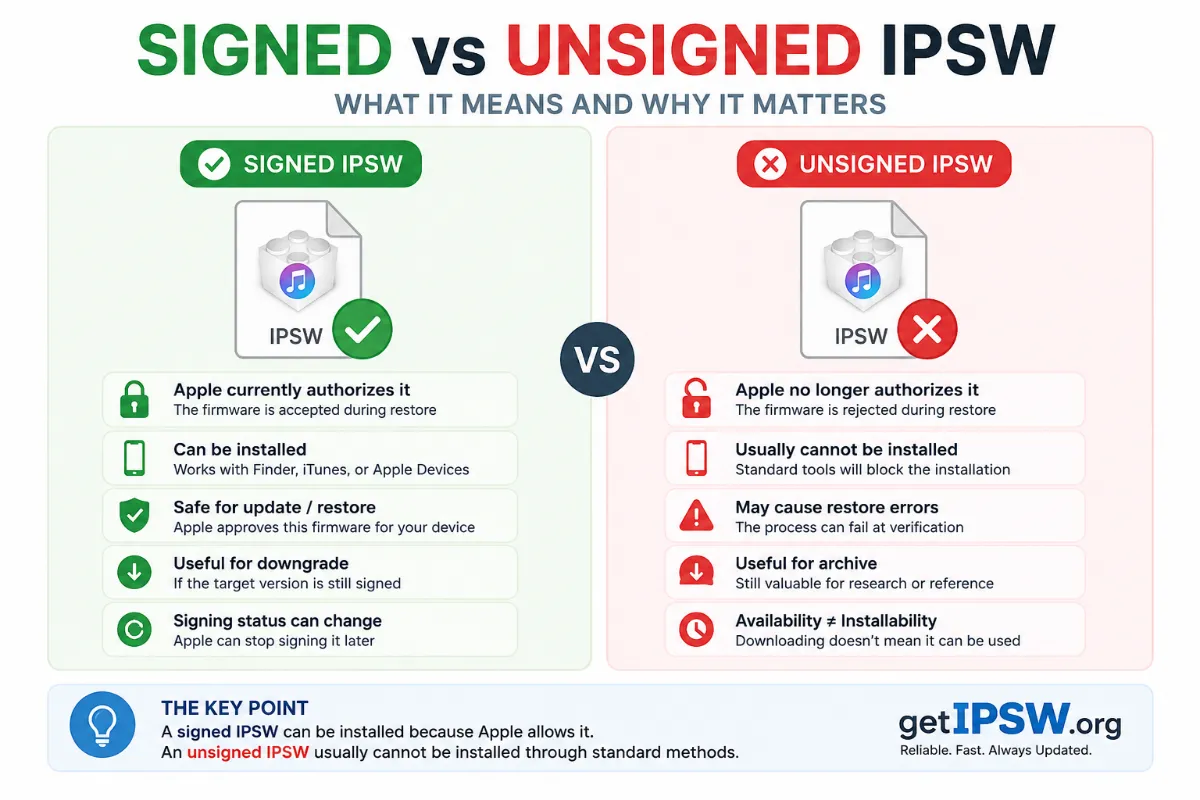
May 16, 2026
Signed vs Unsigned IPSW: What It Means and Why It Matters
Apple decides which iOS versions your iPhone can install by 'signing' them. Here is how signing works, how long Apple keeps signing old versions, and how to check the status.
Read more →