Is Your iPhone Hacked? Warning Signs and What to Do
Real iPhone hacks are rare, but account takeovers and scams are common. Learn the warning signs, how to check your iPhone and how to secure it in a few minutes.
iPhones are among the most secure phones available. Most people who think their iPhone is "hacked" are actually facing something else: a compromised Apple Account, a malicious website, calendar spam, or someone who knows their passcode. The good news is that all of these can be checked and fixed.
Warning signs
- You receive Apple Account sign-in alerts or verification codes you did not request.
- Unknown devices appear in Settings > [your name] (scroll down to the device list).
- Messages, emails or posts are sent from your accounts without your knowledge.
- A configuration profile you do not recognize appears in Settings > General > VPN & Device Management.
- Strange calendar events with links keep appearing.
- Your location is shared with someone you did not choose.
Battery drain or heat alone are not reliable signs; they usually have ordinary causes (battery fixes).
Step 1: Secure your Apple Account
- Change your Apple Account password: Settings > [your name] > Sign-In & Security > Change Password.
- Make sure two-factor authentication is on.
- Check the trusted phone numbers listed there and remove any you do not recognize.
- Remove unknown devices from your device list.
Step 2: Run Safety Check
Go to Settings > Privacy & Security > Safety Check. It shows who you share your location, photos, notes and other data with, which apps have access to sensitive features, and which devices are signed in. You can stop sharing in a few taps.
Step 3: Remove unknown profiles
In Settings > General > VPN & Device Management, delete any profile you did not install. Work or school profiles are normal; if unsure, ask the IT department.
Step 4: Change your passcode
If someone may have seen your passcode, change it in Settings > Face ID & Passcode. Use six digits or an alphanumeric code. Turn on Stolen Device Protection on the same screen.
Step 5: Update iOS
Security updates close the holes that real attacks use. iOS 26.7.1, for example, fixed a vulnerability Apple said had been exploited. Install the latest version for your iPhone.
Step 6: Clean Safari and calendar spam
See how to remove a "virus" from iPhone for pop-ups and spam calendars.
If you are at high risk
Journalists, activists and public figures can turn on Lockdown Mode (Settings > Privacy & Security > Lockdown Mode), which blocks many attack methods at the cost of some features.
Last resort: erase and set up again
If you still suspect a problem, back up your photos and contacts to iCloud, erase the iPhone, and set it up as new rather than restoring a full backup. See how to factory reset an iPhone.
You Might Also Like
Apr 23, 2026
iPhone Black Screen: How to Fix It Step by Step
A black iPhone screen can be a drained battery, a frozen system or a broken display. Here is how to find out which one and fix it.
Read more →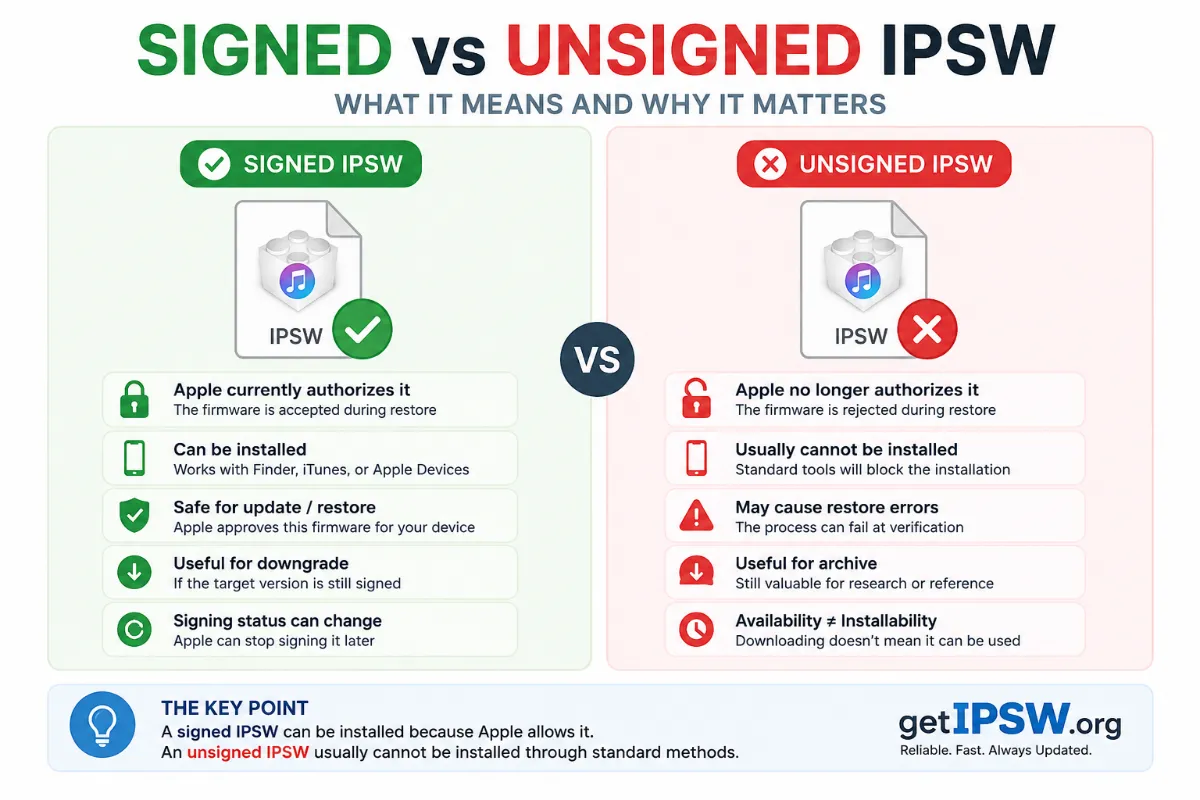
May 16, 2026
Signed vs Unsigned IPSW: What It Means and Why It Matters
Apple decides which iOS versions your iPhone can install by 'signing' them. Here is how signing works, how long Apple keeps signing old versions, and how to check the status.
Read more →
Oct 5, 2026
How to Install the iOS 27.2 Beta (and Leave the Beta Safely)
Want to try iOS 27.2 and the new Siri languages before everyone else? Here is how to join Apple's beta program, the risks, and how to go back to the public version without losing data.
Read more →